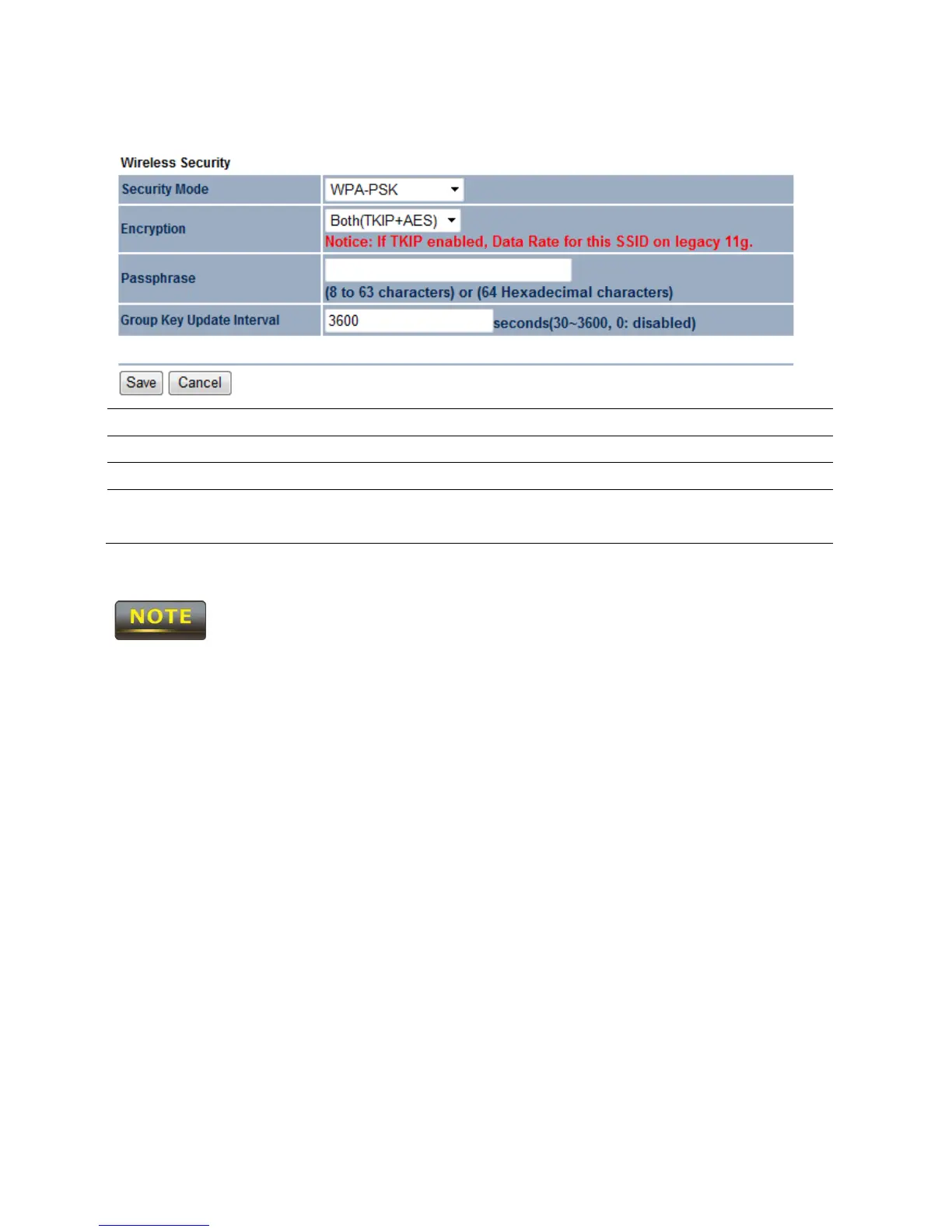
7.2.2 WPA-PSK
Security Mode Select WPA-PSK from the drop down list.
Encryption Select Both, TKIP or AES for encryption type.
Passphrase Specify the security password.
Group Key Update
Interval
Specify Group Key Update Interval time.
The IEEE 802.11n standard does not include WEP/WPA-PSK/WPA-PSK TKIP
security mode. To comply with the standard, when you use the above encryptions, the
wireless transmit mode will drop from 802.11n to 802.11g.



 To Next Page