9 Router Settings
This section is only available for AP Router Mode and Client Router Mode.
9.1 WAN Settings
There are four different types of WAN connections: Static IP, DHCP, PPPoE, and PPTP. Please
contact your ISP to determine the connection type.
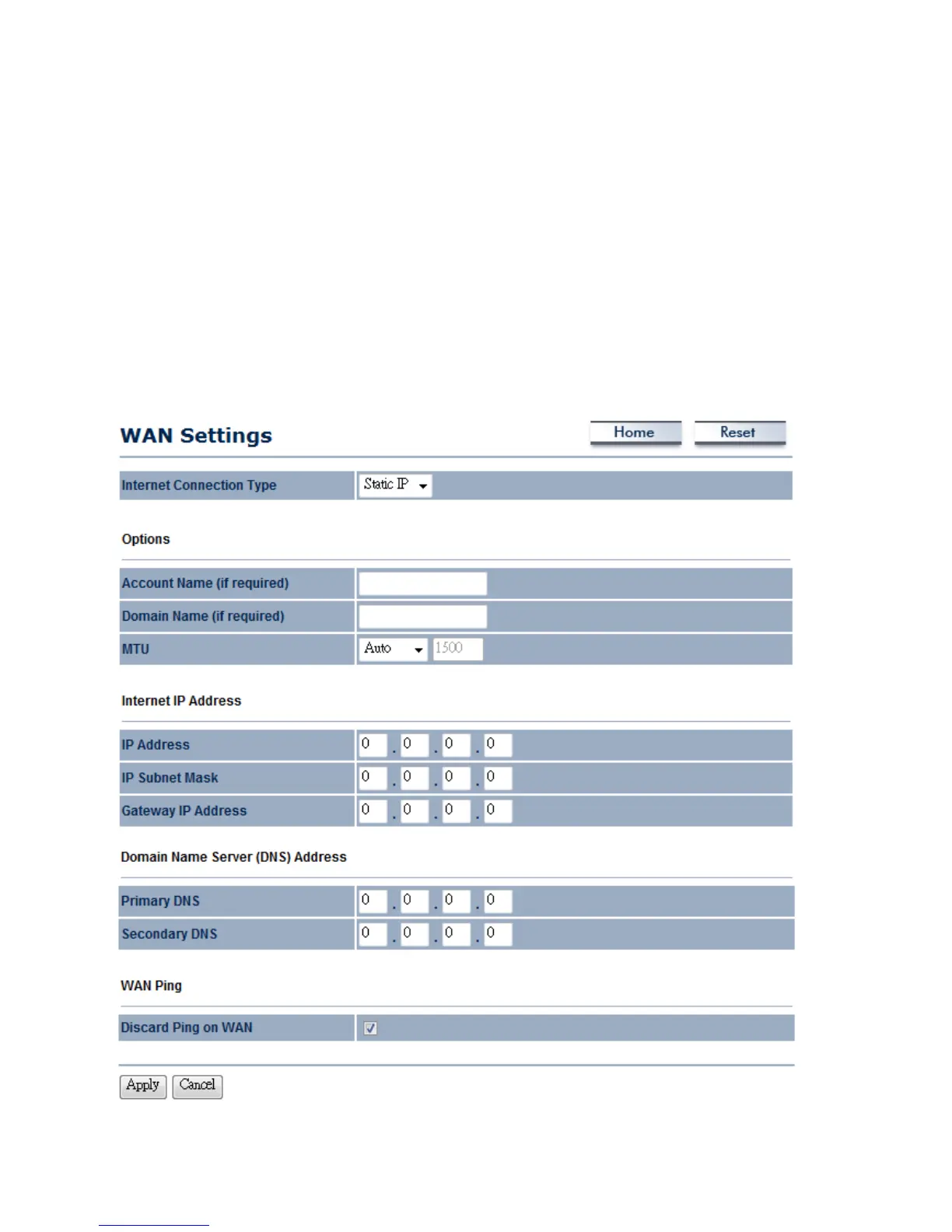
9.1.1 Static IP
Select Static IP in WAN connection if your ISP gives all the of the necessary information about
IP address, Subnet Mask, Default Gateway, Primary DNS and Secondary DNS.



 To Next Page