7.1.3 WDS Bridge Mode
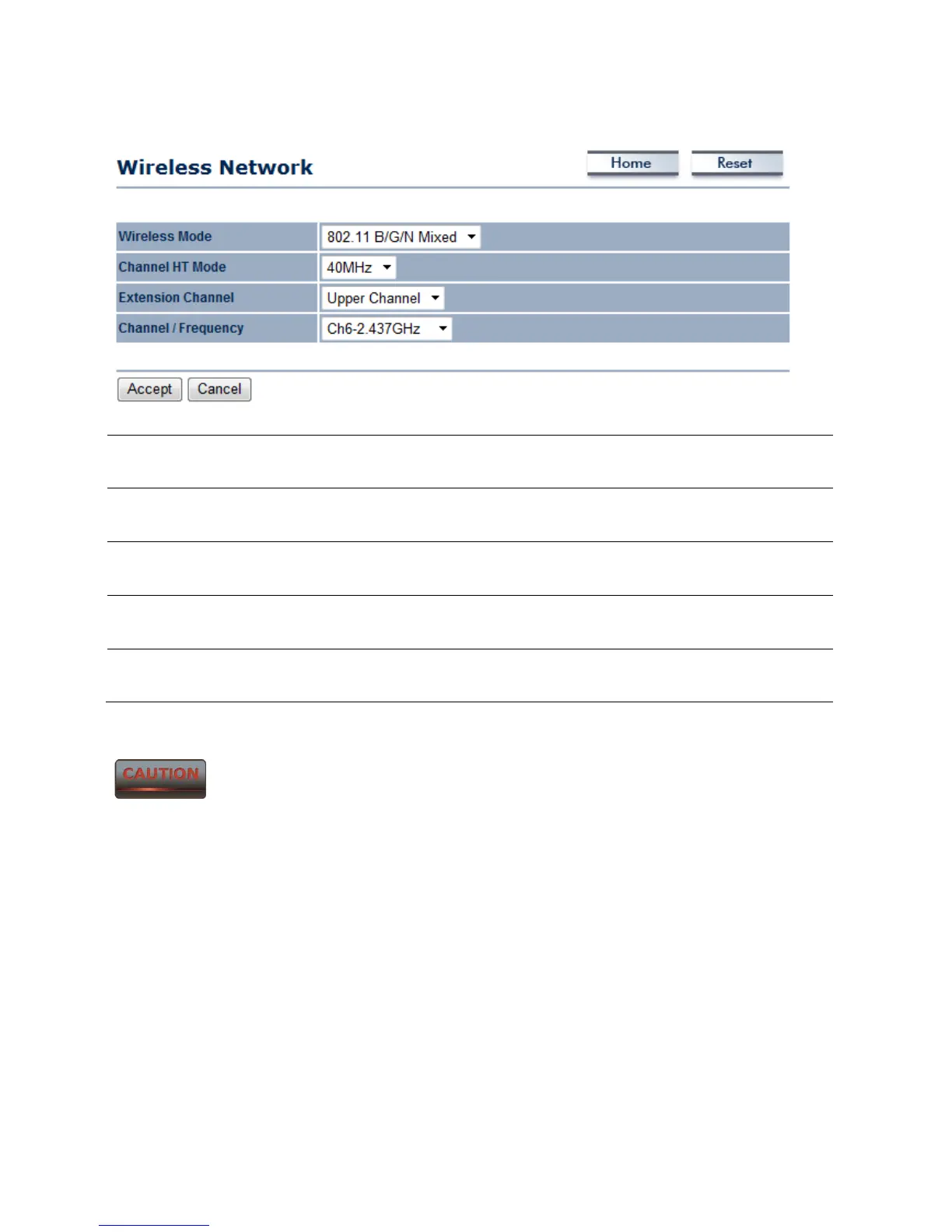
Wireless Mode The wireless mode supports 802.11b/g/n mixed modes. It is
compatible with the most common wireless bands.
Channel HT Mode The default channel bandwidth is 40 MHz. A larger channel can
provide better transmit quality and speed.
Extension Channel Specify the upper channel or lower channel selection. It may
influence the Auto channel function
Channel / Frequency The channel availability is determined by the country’s
regulations.
Accept / Cancel Press Accept to confirm the changes or Cancel to return to the
previous settings.
Accept does not apply the changes – you must go to Status -> Save / Load
to apply the new settings. Please refer to Chapter 4.1 for more information.



 To Next Page