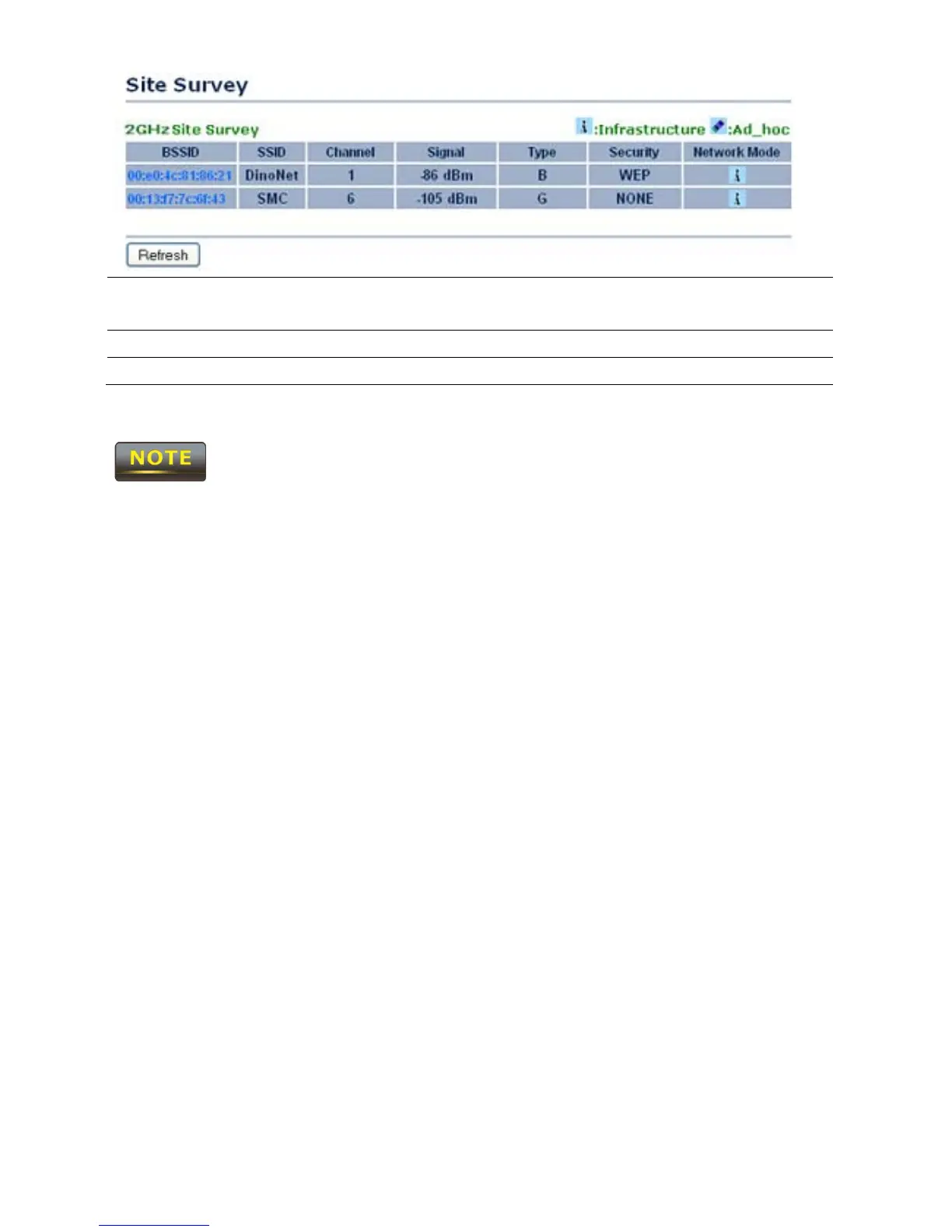
Profile After Site Survey, the webpage will display all of the nearby
Access Points. Click the BSSID if you would like to connect with it.
Wireless Security Please refer to the Wireless Security section.
Refresh Press Refresh to scan again.
If the Access Point is suppressing its own SSID, the SSID section will be blank; the
SSID must be entered manually.



 To Next Page