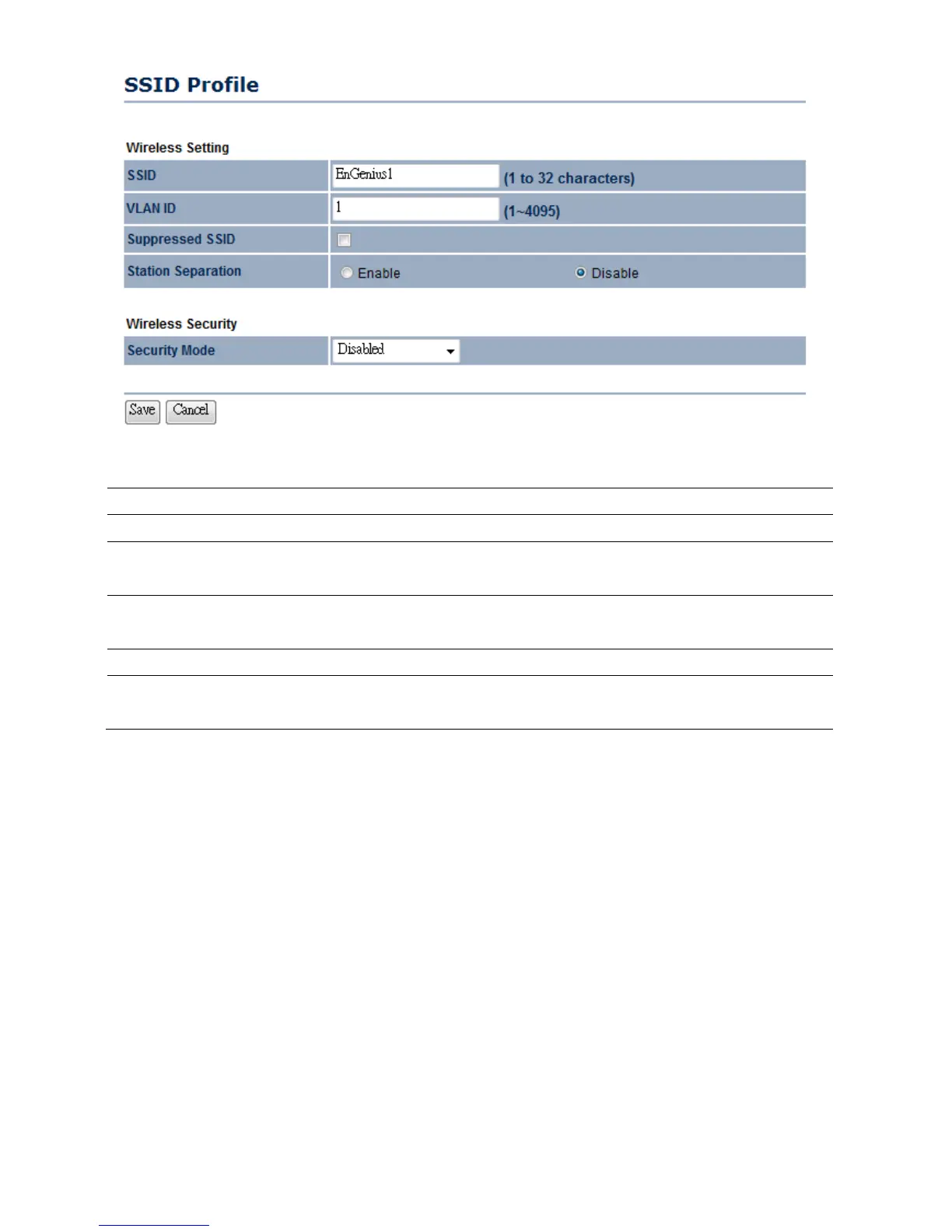
SSID Specify the SSID for current profile.
VLAN ID Specify the VLAN tag for current profile.
Suppressed SSID Place a check to hide the SSID. Clients will not be able to see the
broadcast SSID in Site Survey.
Station Separation Select the Radio button to allow / deny clients to communicate
with one another.
Wireless Security Please refer to the Wireless Security section.
Save / Cancel Press Save to save the changes or Cancel to return previous
settings.



 To Next Page