Installing the Switch on a Flat Surface
SecureStack B2 Installation Guide 3-7
6. Toinstallswitchesonaflatsurface,proceedto“GuidelinesforFlatS urface
Installation”onpage 3‐7.Forarackmountinstallation,proceedto“RackMounting
theSwitch”onpage 3‐8.
Guidelines for Flat Surface Installation
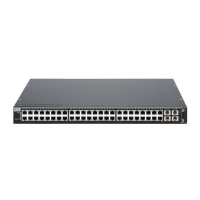
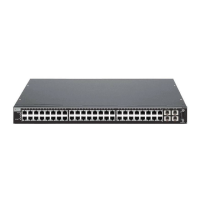
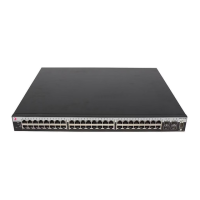
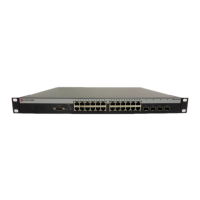
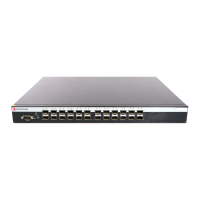
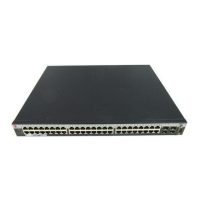
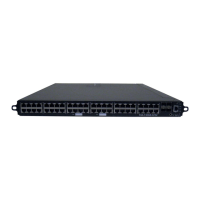
Locatetheswitchwithin152cm(5ft)ofitspowersourceandonasurfaceasshownin
Figure 3‐6.Ifanoptionalredundantpowersystemisgoingtobeinstalledandconnected
tothe14‐pinRedundantPowerSupplyinputconnectorontherearoftheswitch,
referto
theinstallationguideshippedwiththeredundantpowersystem.
Ifyouareinstallingseveralswitchesinastack,proceedto“ConnectingHigh‐Speed
StackingCables”onpage 3‐10.Iftheswitchisbeinginstalledasastandaloneswitch,
proceedto“ConnectingACandPoEPower”onpage 3‐
14forpowerconnection
instructions.
Caution: To ensure proper ventilation and prevent overheating, leave a minimum
clearance space of 5.1 cm (2.0 in.) at the left, right, and rear of the switch.
Do not connect the switch to the primary power source until instructed to do so later in the
installation process.
Precaución: Para asegurar una buena ventilación y evitar que el sistema se
sobrecaliente, deje un espacio mínimo de 5.1 cm (2 pulgadas) con respecto a los lados y
a la parte posterior del aparato.
No conecte el dipositivo a la fuente primaria hasta que no se le indique.



 To Next Page