SecureStack C2 Installation Guide 1-1
1
Introduction
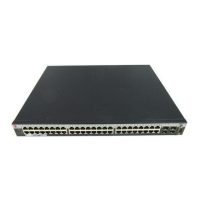
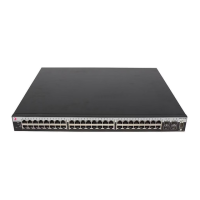
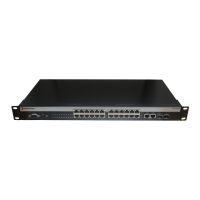
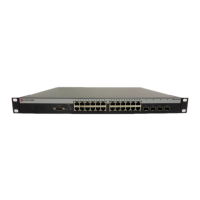
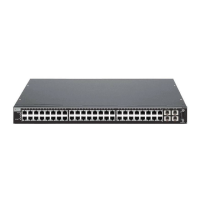
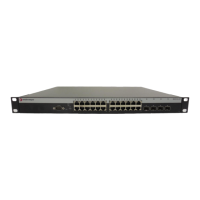
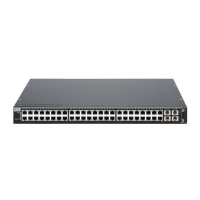
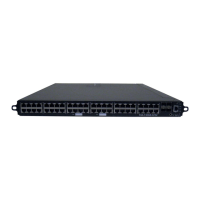
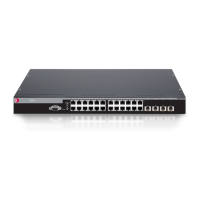
ThischapterintroducestheC2G124‐24,C2G124‐48,andC2H124‐48stackableswitches.
Overview
TheC2G124‐24,C2G124‐48,andC2H124‐48arestackableGigabitEthernetswitches,
whichcanbeadaptedandscaledtohelpmeetyournetworkneeds.Theseswitches
provideamanagementplatformanduplinktoanetworkbackboneforastackedgroupof
uptoeightC2switches.Thefourbuilt‐in
SmallFormPluggable(SFP)int erfaceslots
provideyouwiththeoptionofinstallingMini‐GBICsfor1000BASE‐Tcompliantcopper
connectionsor1000BASE‐SX/LXfiber‐opticconnections.
TheswitchesalsosupporttheuseofaredundantDCpowersupplytohelpprevent
downtimeduetoaninternalpowersupplyfailurein
theswitchorACpowersource.
Youcaninstalltheswitch
onaflatsurfaceorintoastandard19‐inchrackwithuser‐
suppliedmountinghardware,andconfiguretheswitchfunctionsusingtheWebView™
application,CLIswitchingcommands,and/orSNMP.
Important Notice
Depending on the firmware version used in the switch, some features described in this document
may not be supported. Refer to the Release Notes shipped with the C2G124-24, C2G124-48
and
C2H124-48to determine which features are supported.



 To Next Page