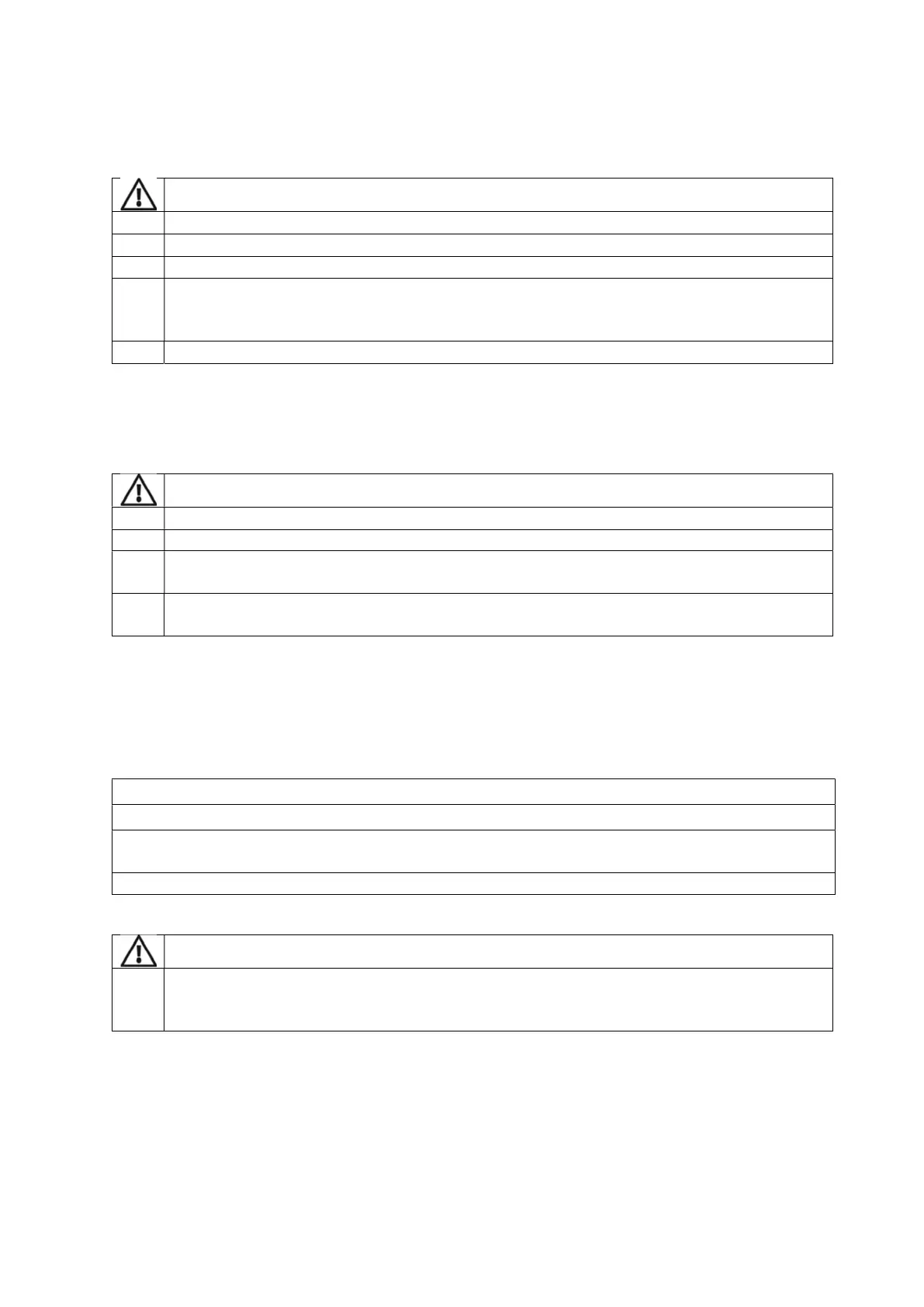
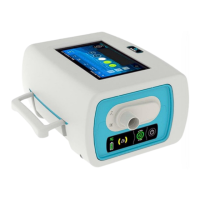
12
Chapter 2 – Operating Instructions for the EO-70 device
Blocking the air inlet could lead
Keep machines clear of blankets, soft toys, and dust. Keep out of direct
To prevent possible damage to the device always place it on a flat, dry
protect the device during transportation, always ensure that the EO-70 device is transported
using the EOVE Transport bag.
Always protect the device from water if transported outdoors.
Set Up Test
Before using the EO-70 device, perform the following Set Up test.
an alarm triggers during the Set Up test, do not use the device.
Contact your healthcare provider or EOVE for assistance if any of the checks in the
fail.
has been returned after servicing, ensure it is clear
ly labelled as disinfected
before starting the set-up test or installing.
To perform a Set Up Test
During a first patient installation, it is recommended to check the correct operating status of the
device:
Connect the device to the AC power source and
check the ACDC Symbol is active.
Check the condition of the device and accessories, and the condition of the patient’s circuit.
3.
Turn on the device (see next page). The device should sound, and
the display screen should turn
on correctly.
and verify air is coming in and out of the device outlet
If any of these steps fails, do not use the
device. Contact your healthcare provider or
your Eove representative for a device checking.


 To Next Page