13
Turning on the device
Ensure the device has been charged prior to use or connect to AC power or DC connector inlet.
Insert AC connector into power inlet.
Turn the screw lock clockwise to secure.
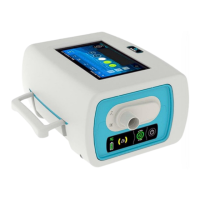
3. Device will turn on automatically. If starting on battery, press on front panel keyboard to
power on the device.
Turning off the device
From the touch interface - Main proceedings
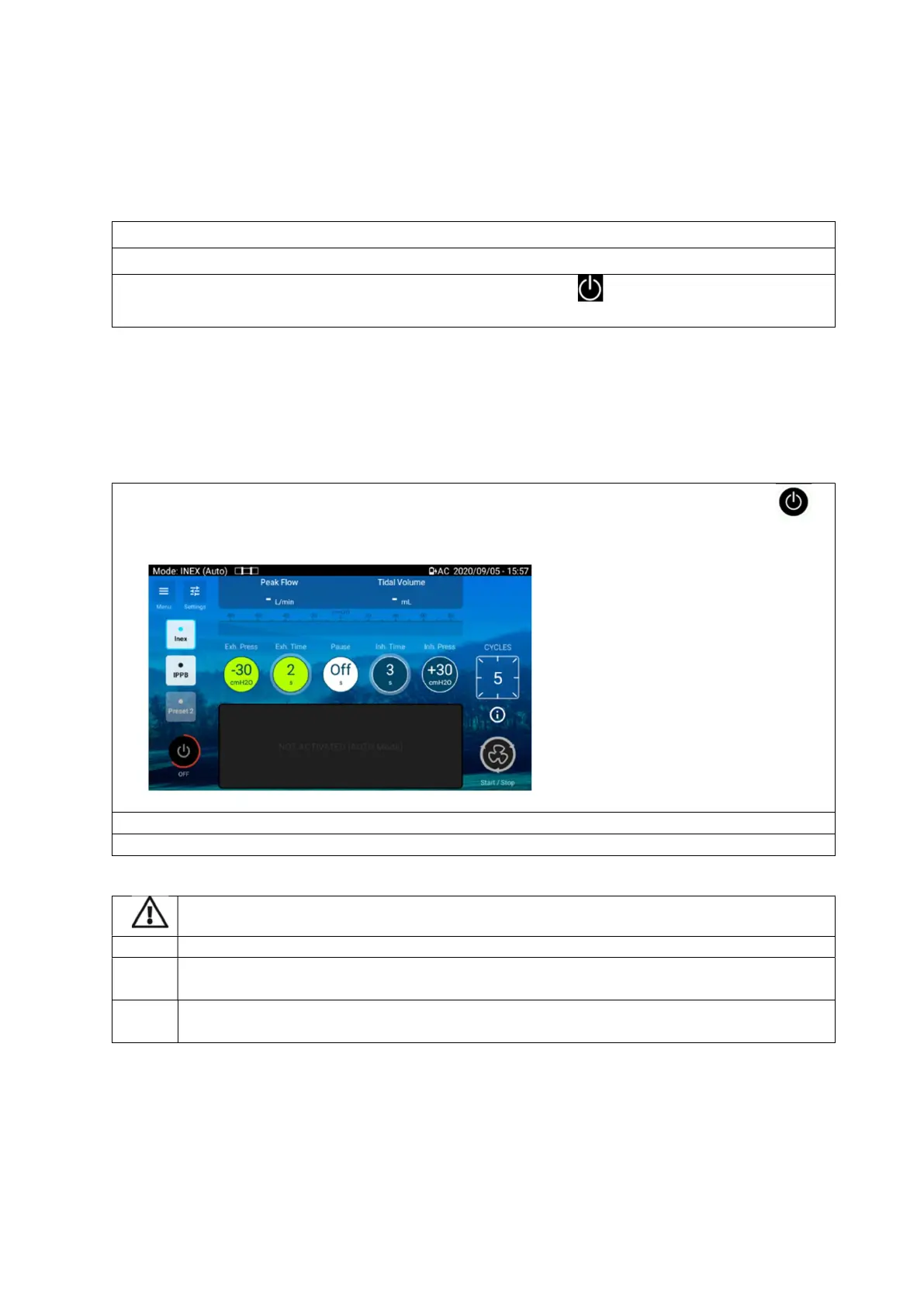
1. From the Home screen or from the coaching screen of the touch interface, press and hold
until the circle becomes red.
A confirmation message is
device cannot be powered off during treatment
Unplugging from mains power does not power off the device. It will continue to run on the
internal battery.
ed off manually before disconnecting from AC power for any
extended period of time. Failure to do so may result in battery depletion.


 To Next Page