POWERED BY
47
SERIESSERIES
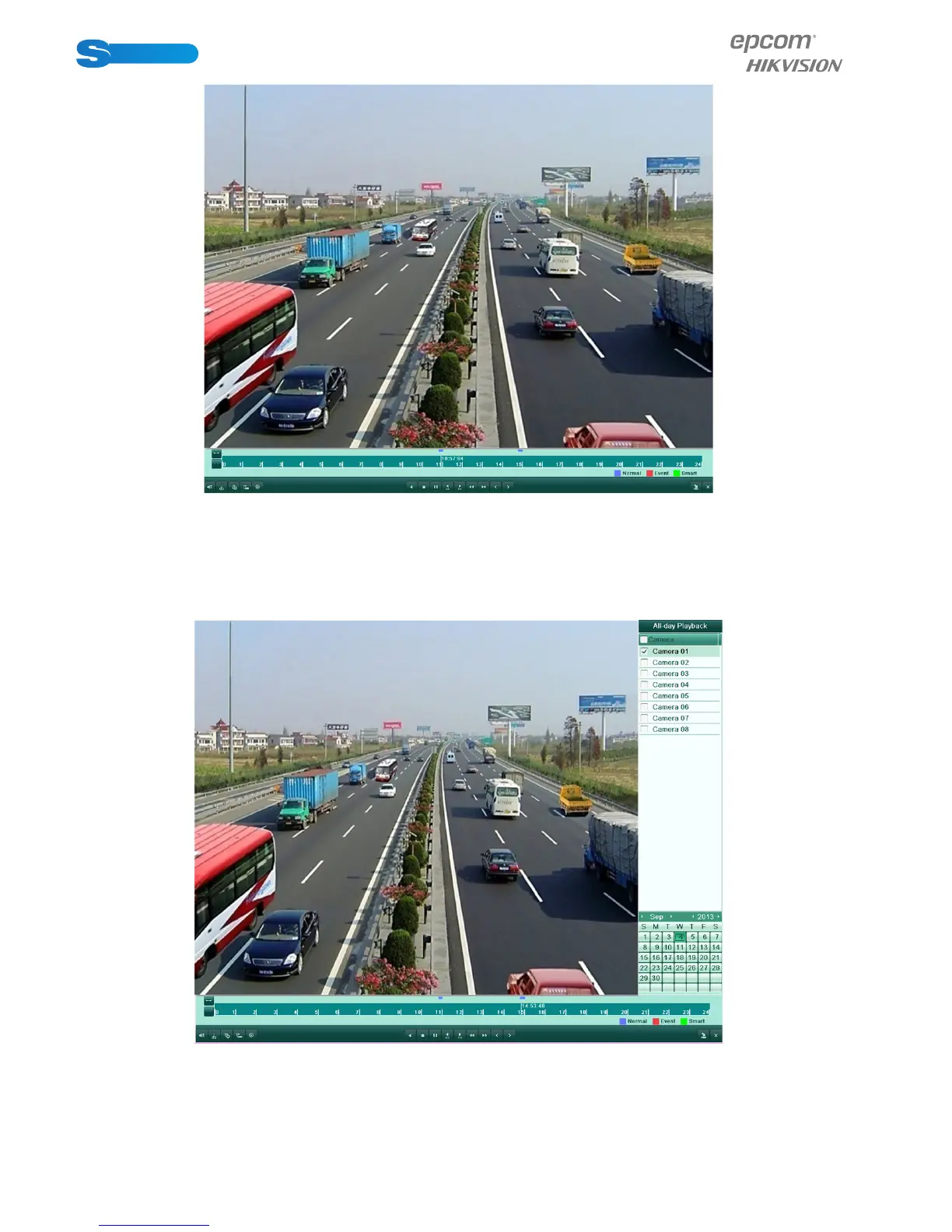
Figure 6.2 All-day Playback Interface
2. Playback management.
The toolbar in the bottom part of Playback interface can be used to control playing progress, as shown in Figure 6.4.
The channel and time selection menu displays by moving the mouse to the right of the playback interface.
Click the channel(s) if you want to switch playback to another channel or execute simultaneous playback of multiple chan-
nels, as shown in Figure 6.3.
Figure 6.3 All-day Playback Interface with Channel List
Dates marked in different colors:



 To Next Page