POWERED BY
72
SERIESSERIES
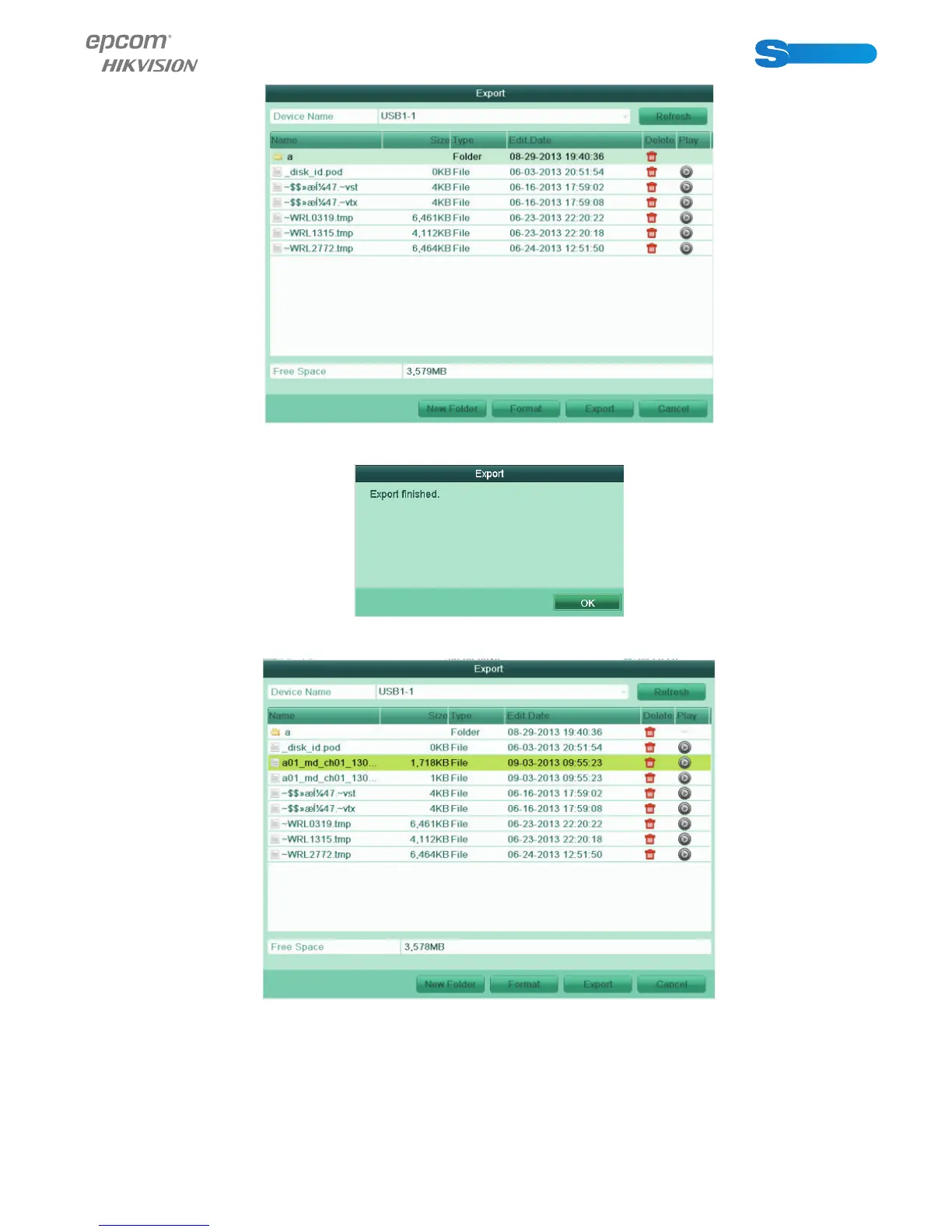
Figure 7.16 Export Video Clips Using USB Flash Drive
Stay in the Exporting interface until all record fi les are exported with pop-up message “Export fi nished”.
Figure 7.17 Export Finished
6. Check backup result.
Figure 7.18 Checkup of Video Clips Export Result Using USB Flash Drive
7.2 Managing Backup Devices
Management of USB fl ash drives, and USB HDDs.
1. Enter Search Result interface of record fi les.
Menu>Export>Normal
Set search condition and click Search button to enter Search Result interface.



 To Next Page