POWERED BY
73
SERIESSERIES
At least one channel shall be selected.
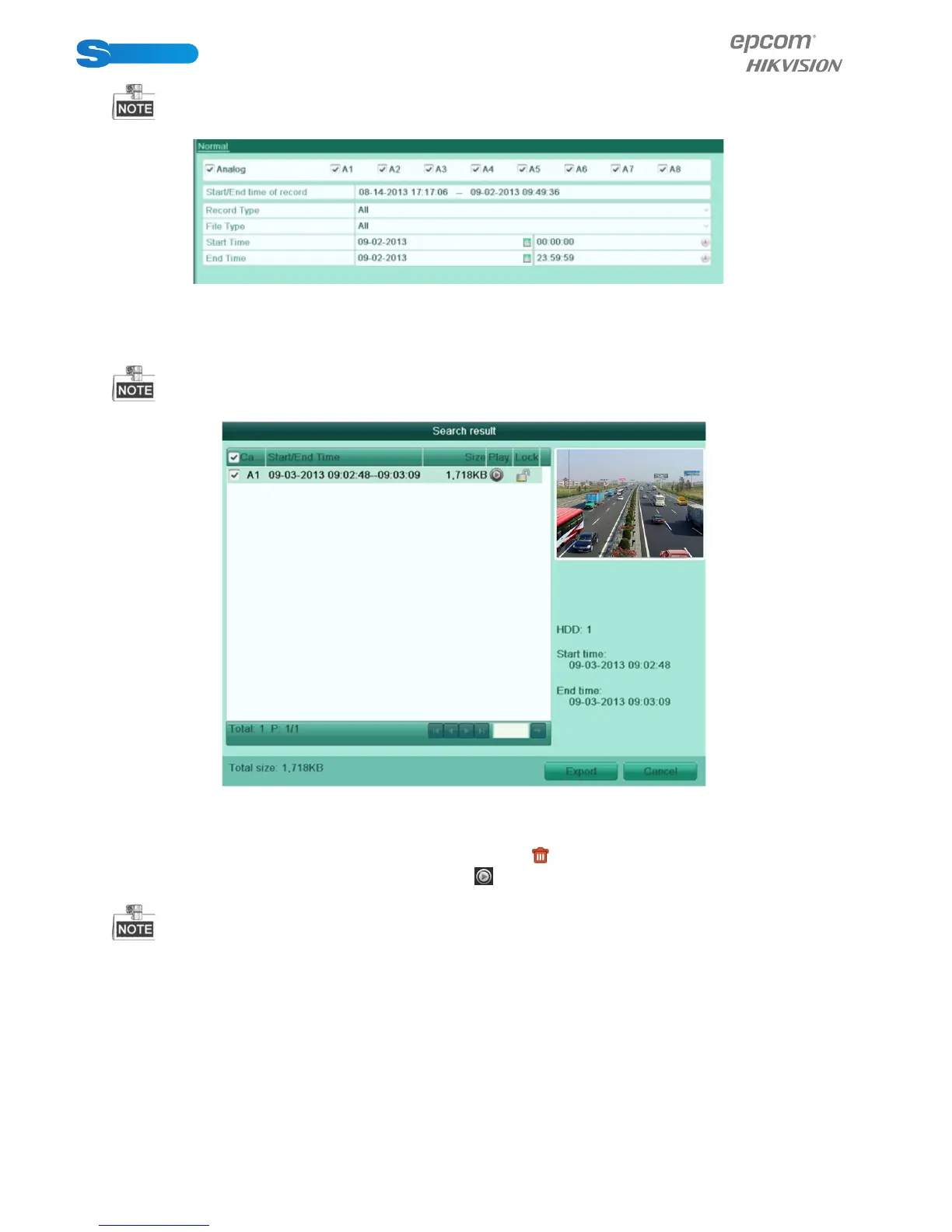
Figure 7.19 Normal Video Search
2. Select record files you want to back up.
Click Export button to enter Export interface.
At least one record file shall be selected.
Figure 7.20 Result of Normal Video Search for Backup
3. Backup device management.
Click New Folder button if you want to create a new folder in the backup device.
Select a record file or folder in the backup device and click button if you want to delete it.
Select a record file in the backup device and click button to play it.
Click Format button to format the backup device.
If the inserted USB device is not recognized:
•Click the Refresh button.
•Reconnect device.
•Check for compatibility from vendor.



 To Next Page