POWERED BY
83
SERIESSERIES
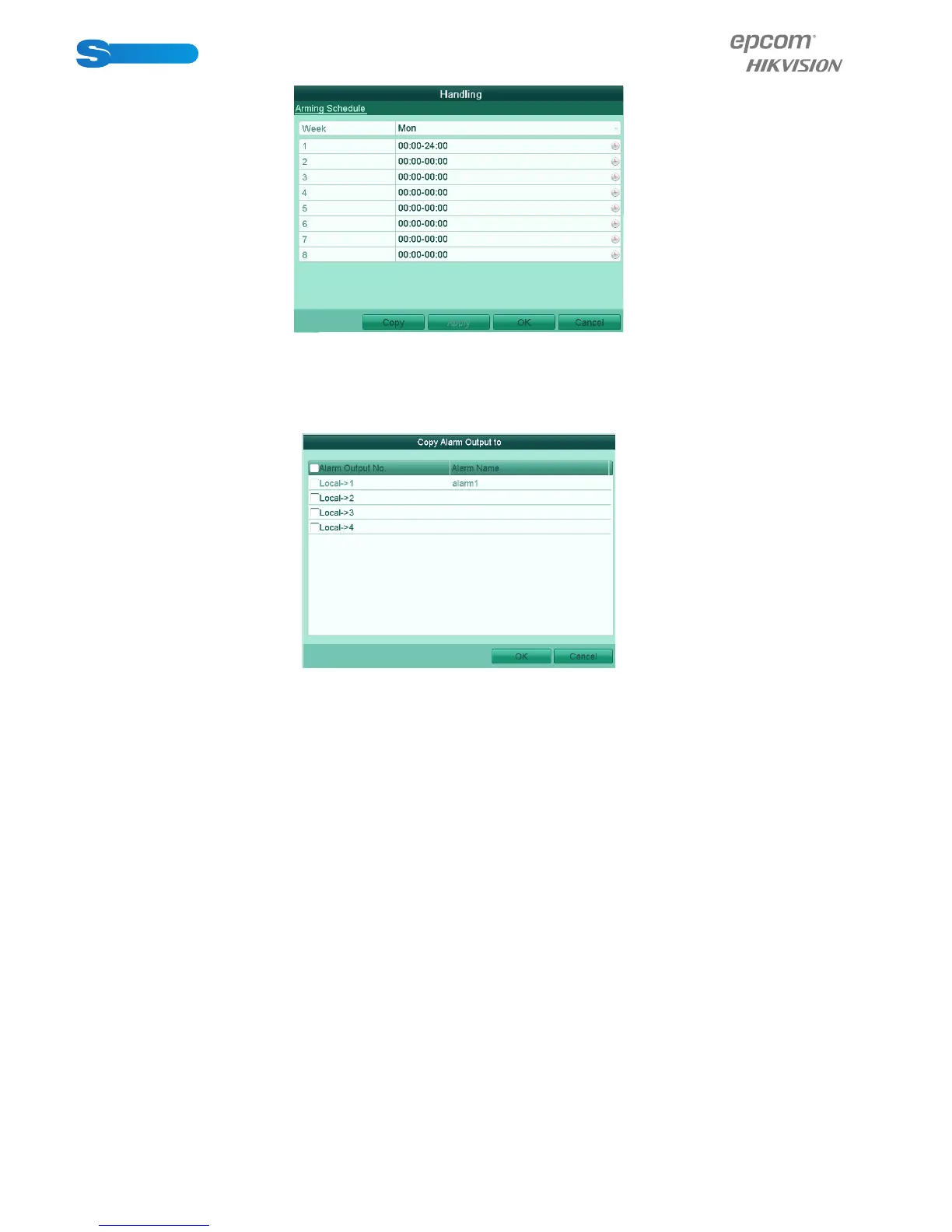
Figure 8.18 Set Arming Schedule of Alarm Output
3. Repeat the above steps to set up arming schedule of other days of a week. You can also click Copy to copy an arming
schedule to other days. Click OK to complete the settings of the alarm output.
4. You can also click Copy in Alarm Output interface to copy the above settings to another channel.
Figure 8.19 Copy Settings of Alarm Output
8.7 Triggering or Clearing Alarm Output Manually
Purpose:
Sensor alarm can be triggered or cleared manually. If Manually Clear is selected in the dropdown list of dwell time of an alarm
output, the alarm can be cleared only by clicking Clear button in the following interface.
Steps:
Select the alarm output you want to trigger or clear and make related operations.
Menu> Manual> Alarm
Click Trigger / Clear button if you want to trigger or clear an alarm output.
Click Trigger All button if you want to trigger all alarm outputs.
Click Clear All button if you want to clear all alarm output.



 To Next Page