POWERED BY
68
SERIESSERIES
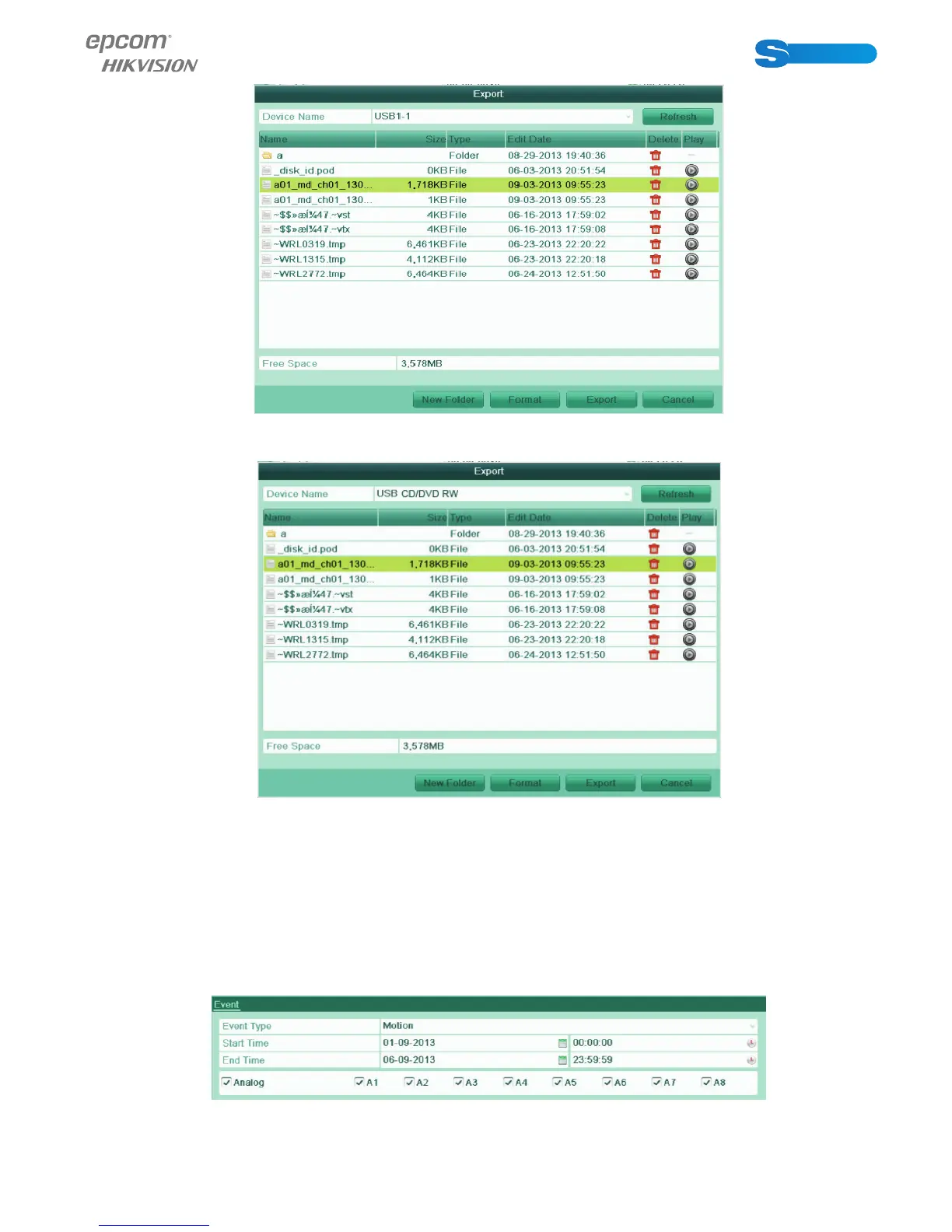
Figure 7.6 Checkup of Export Result using USB Flash Drive
Figure 7.7 Checkup of Export Result using USB Writer
1.1.2 Backing up by Event Search
Purpose:
Back up event-related record fi les using USB devices (USB fl ash drives, USB HDDs, USB writer), or SATA writer.
Steps:
1. Enter Export interface.
Menu>Export>Event
2. Select Motion or Alarm Input as the event type.
3. Set the start time and end time of the record fi les.
4. Select the camera (s) for searching.
Figure 7.8 Event Search for Backup
5. Click Search button to enter the Search Result interface.



 To Next Page