POWERED BY
70
SERIESSERIES
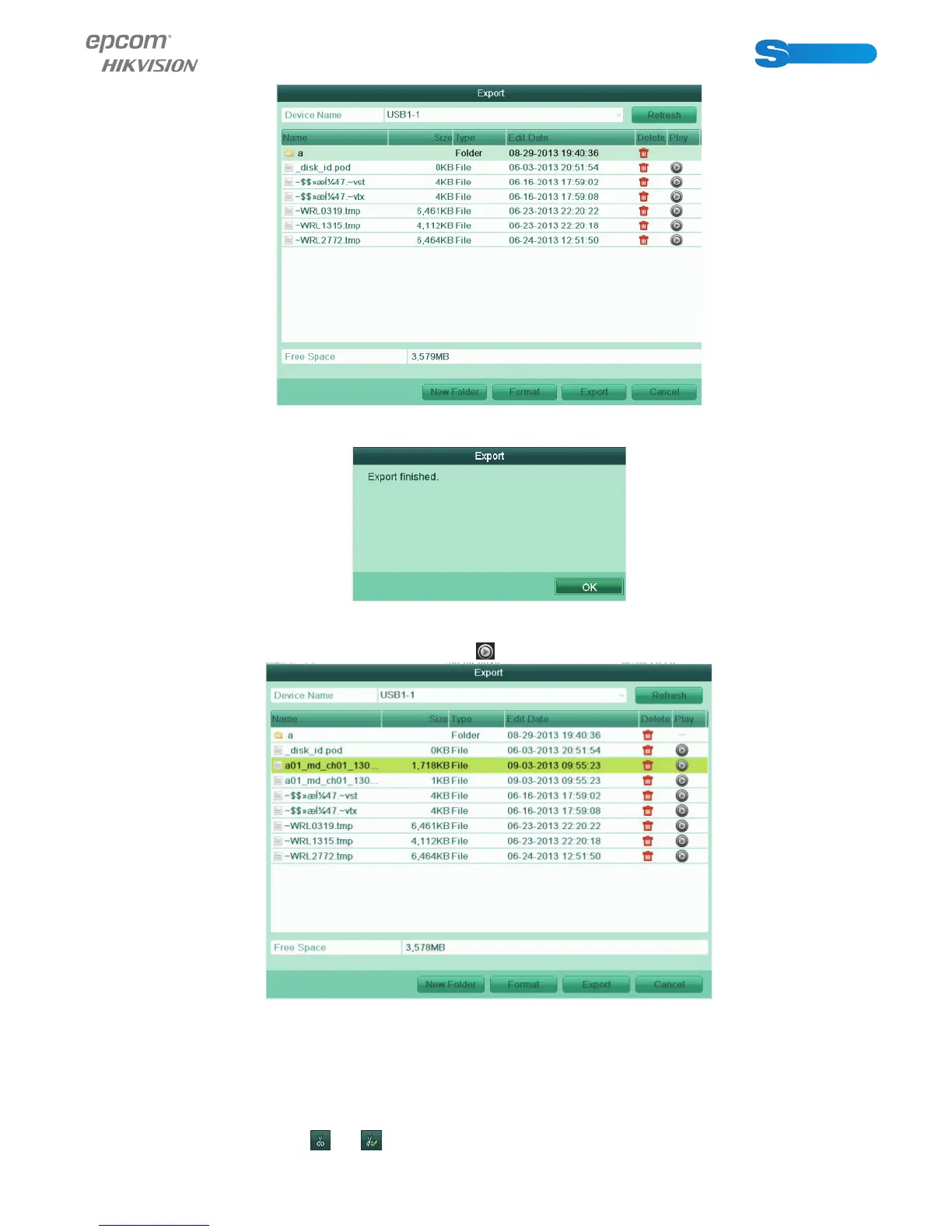
Figure 7.11 Export by Event Using USB Flash Drive
Stay in the Exporting interface until all record fi les are exported with pop-up message “Export fi nished”.
Figure 7.12 Expor t Finished
8. Check backup result.
Choose the record fi le in Export interface and click button
to check it.
Figure 7.13 Checkup of Event Export Result Using USB Flash Drive
1.1.3 Backing up Video Clips
Purpose:
You may also select video clips to export directly during Playback, using USB devices (USB fl ash drives, USB HDDs, USB writer).
Steps:
1. Enter Playback interface.
Please refer to Chapter 6.
2. During playback, use buttons
and in the playback toolbar to start or stop clipping record fi le(s).



 To Next Page