POWERED BY
55
SERIESSERIES
/
Pause re-
verse play/
Reverse play/
Single-frame
reverse play
/
Pause play/
Play/Sin-
gle-frame play
Stop
Fast
forward
Video search Exit Hide
Progress
bar
Video type bar
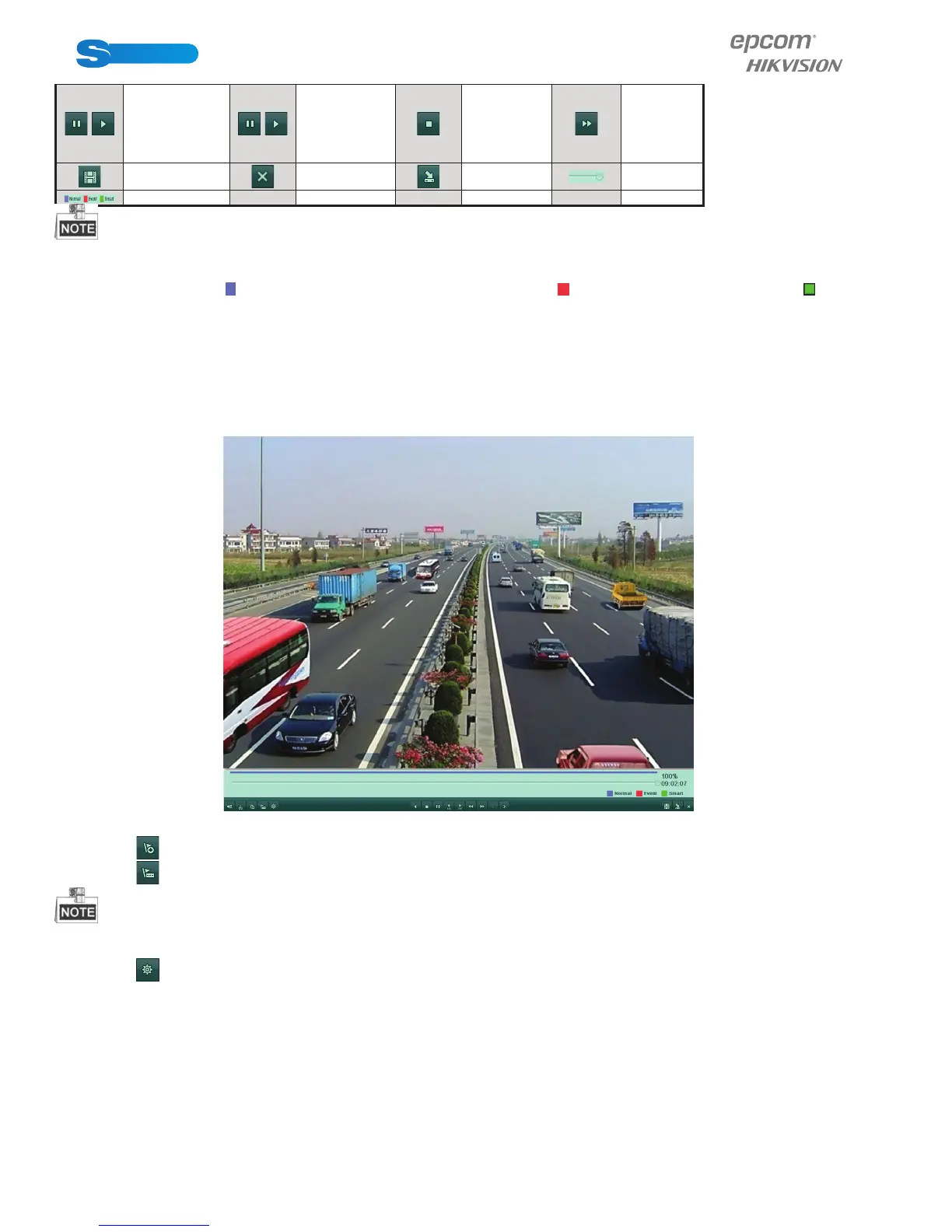
Playback progress bar: use the mouse to click any point of the progress bar or drag the progress bar to locate special
frames.
About video type bar: represents normal recording (manual or schedule); represents event recording (motion); repre-
sents smart search recording.
6.1.5 Playing Back by Tag
Purpose:
Video tag allows you to record related information like people and location of a certain time point during playback. You are also
allowed to use video tag(s) to search for record fi les and position time point.
Before playing back by tag:
1. Enter Playback interface.
Figure 6.20 Interface of Playback by Event
Click button to add default tag.
Click button to add customized tag and input tag name.
Max. 64 tags can be added to a single video fi le.
2. Tag management.
Click button to check, edit and delete tag(s).



 To Next Page