POWERED BY
53
SERIESSERIES
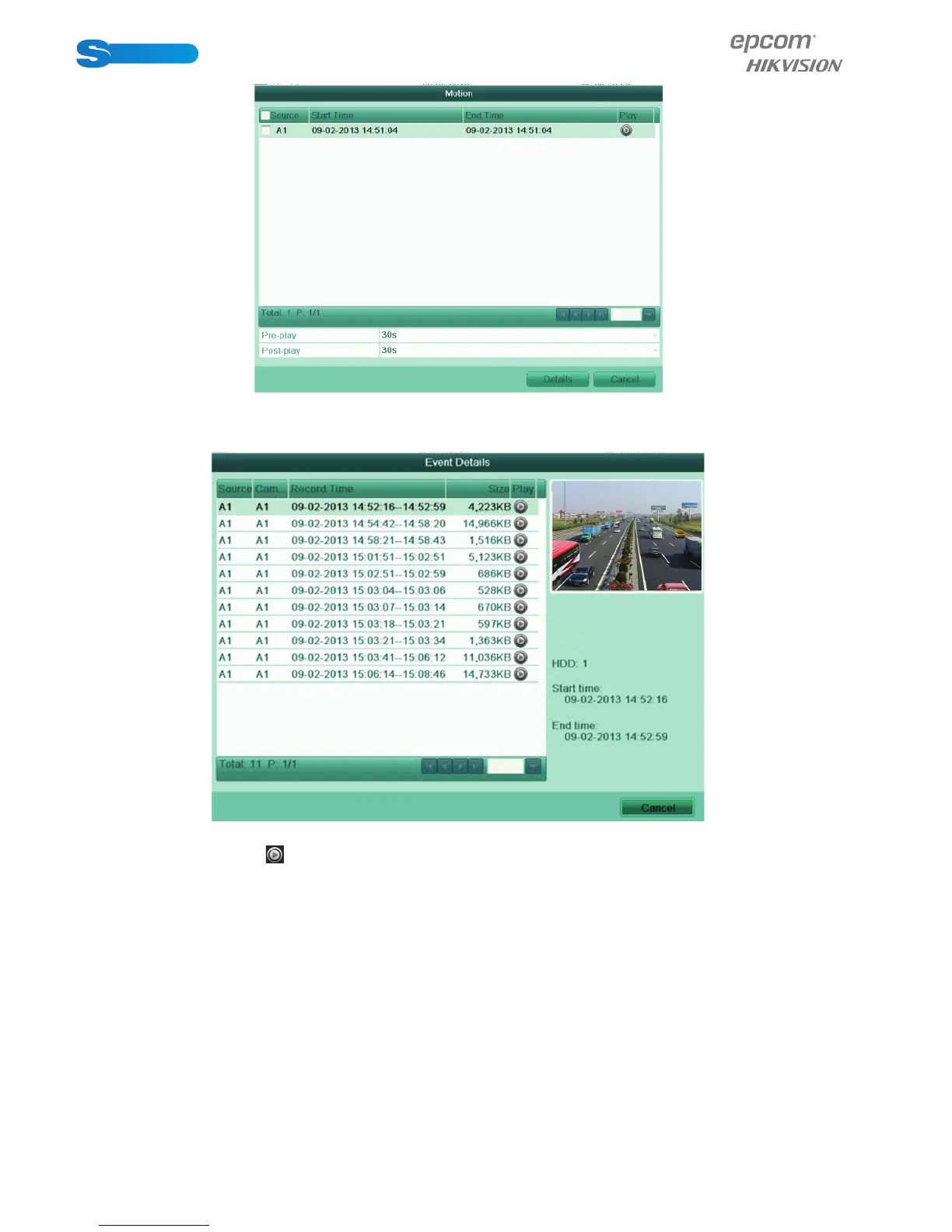
Figure 6.15 Video Search Result by Motion
7. You can select an item from the list and click Details to view detailed information of the record fi le, e.g., start time, end time,
fi le size, etc.
Figure 6.16 Event Details
8. Or you can directly click the button of each fi le item to enter its playback interface. The toolbar in the bottom part of
Playback interface can be used to control playing process.



 To Next Page