55
Administration and Management
5
Click [OK] in the confirmation message that appears.
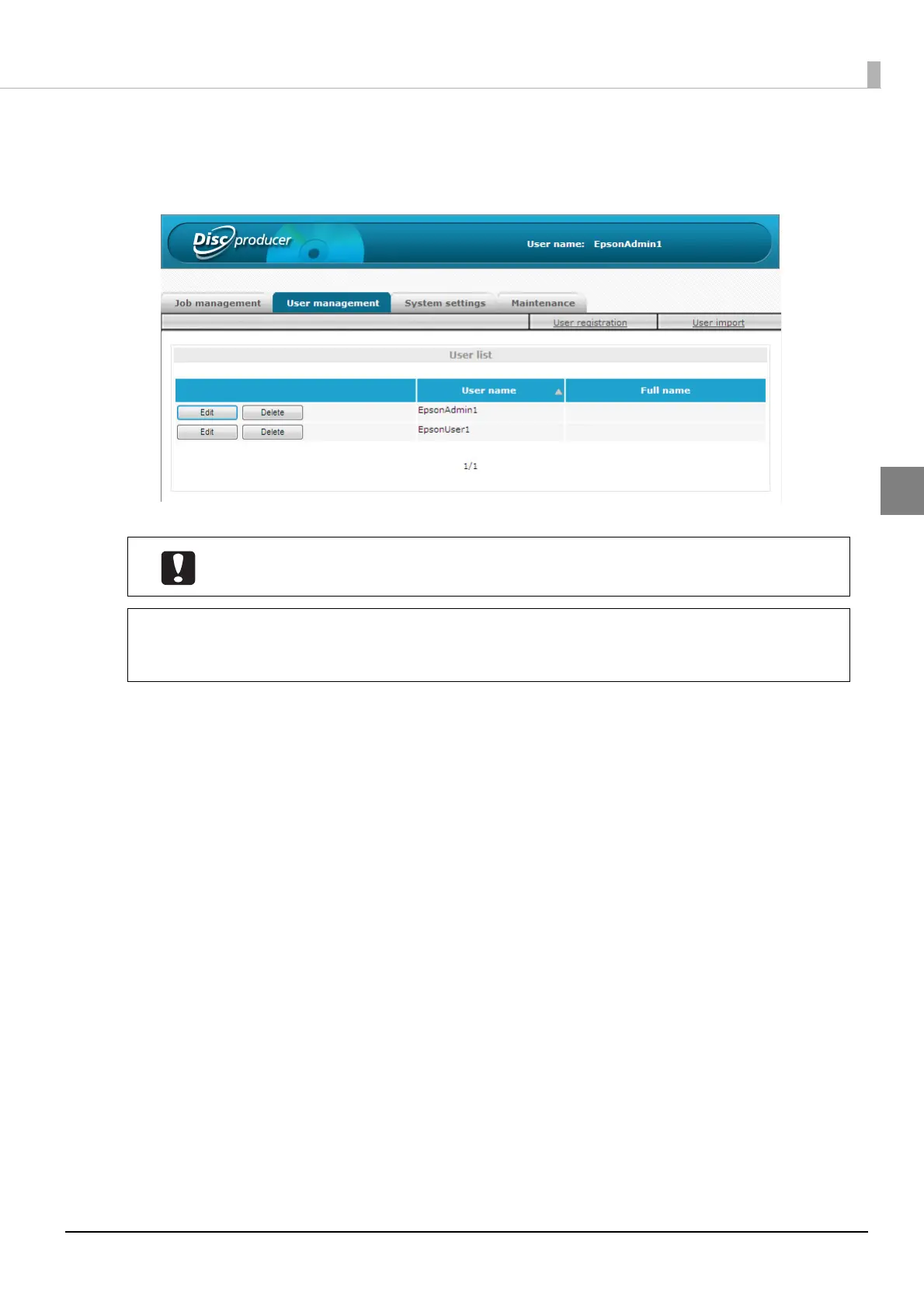
The user list of the [User management] screen appears.
Check that the user is registered correctly.
Inform the user of the set user name and password. The user changes the password after
logging in.
• Clicking [Edit] allows you to change the full name, mail address, and authority of a
registered user.
• Clicking [Delete] allows you to delete the registered user information.
Note



 To Next Page
 Loading...








