EB-E01 series Disassembly and Assembly INTERNAL USE ONLY
SEIKO EPSON 144 Revision A
3.5.1.2 Ground continuity check
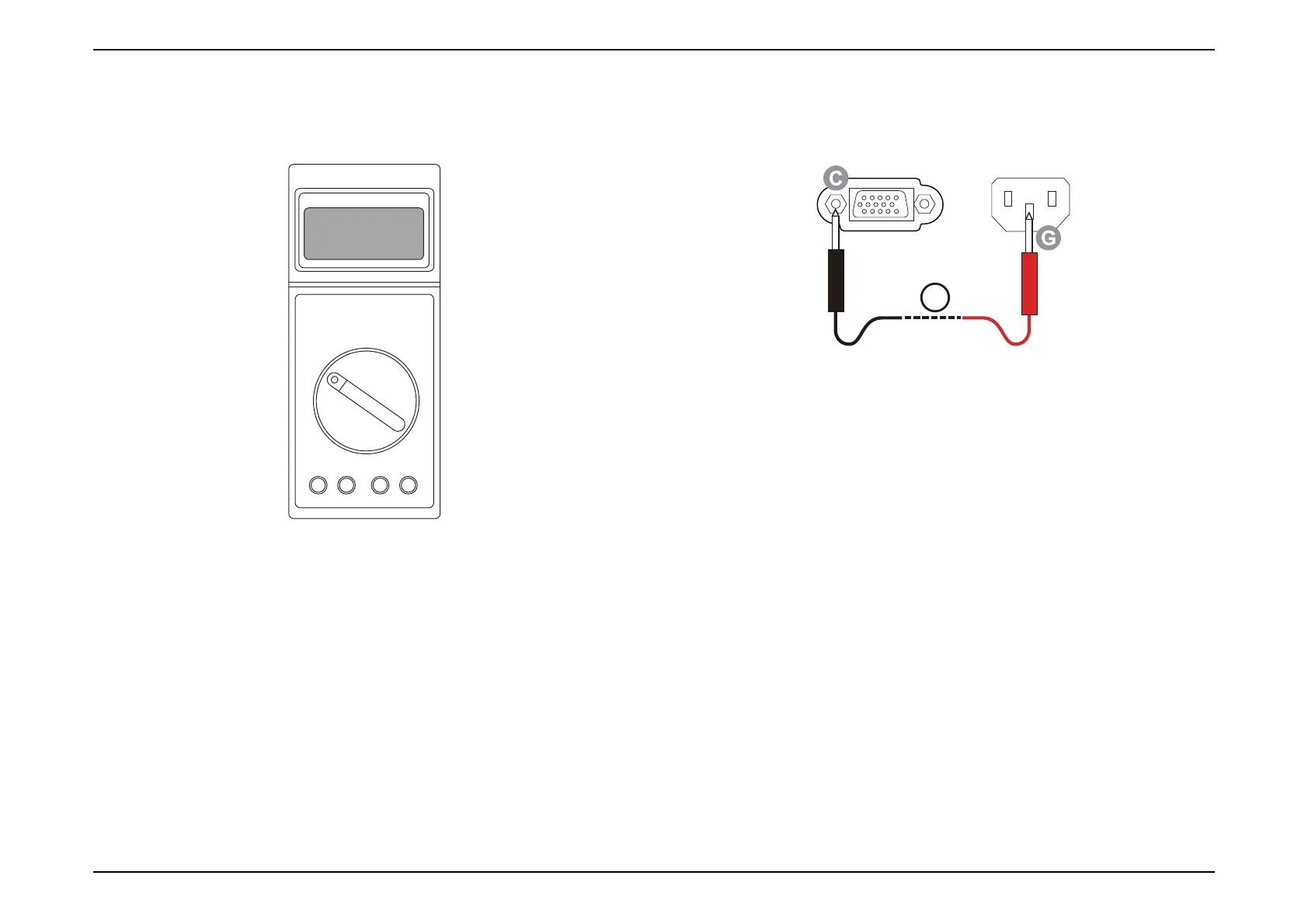
Testing apparatus
Multimeter (with sensitivity down to 0.1 Ω)
Measurement range: Select "Ω"
Tester lead wires:
• Black lead wire: Connect it to the "COM" terminal.
• Red lead wire: Connect it to the "V/Ω/Hz" terminal.
Standard/Judgment level
Should be no resistance (0.5 Ω or less)
Testing procedure
1. Turn the tester on.
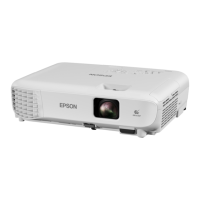
2. Check that the resistance between "C" of the Computer terminal and
"G" of the AC inlet of the projector (1) is 0.5 Ω or less.
Measure EH-TW740 at the position in the figure below.
3.5.1.3 Illumination check
Test conditions
Input a PC or video signal and check the illumination for about 5 minutes.
1. Judgment
Projector should operate normally with no smoke or fire.



 To Next Page