EB-E01 series Appendix INTERNAL USE ONLY
SEIKO EPSON 178 Revision A
AS MENU: 7TH PAGE
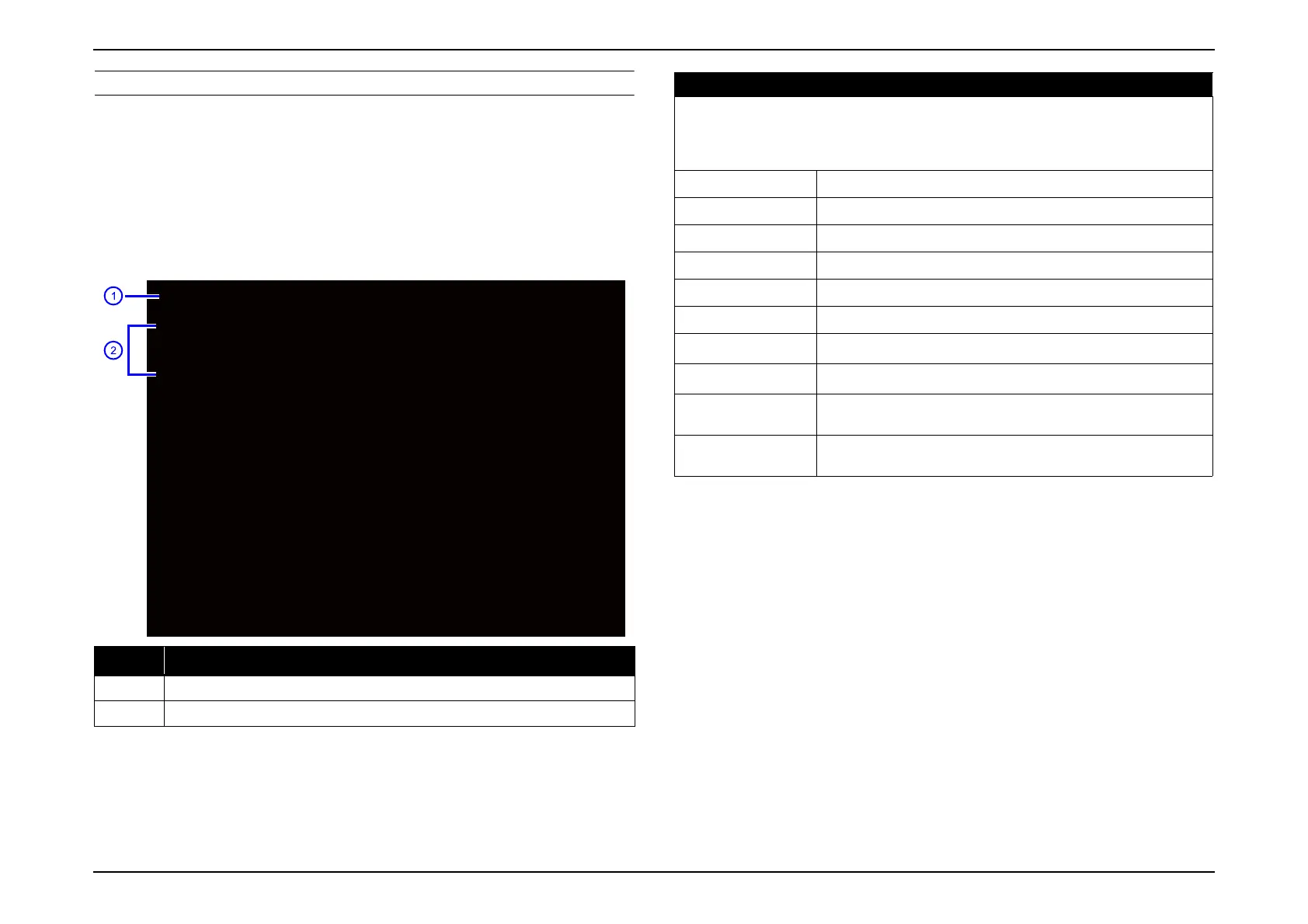
Information obtained when the following operations are performed is
displayed.
The type of the operation is displayed on the second line.
[Power On] Power On
[Power Off] Power Off
[CMODE] Color Mode Switching
[INFO] Input Source Switching
Note: *1 Only displayed for [INFO]
*2 Only displayed for [CMODE]
No. Item
1 Warning item
2 Error log (The latest warning log is displayed on the top.)
**OperationInfo[1/1]
D:-----------------T:13h1m1sL:13h3m1sP:10h3m1s
[INFO]Source=Computer,--
MainNoSignal
D:-----------------T:10h1m1sL:13h3m1sP:9h1m1s
[CMODE]Presentation
D:-----------------T:10h1m1sL:13h3m1sP:3h4m5s
[PowerOff]
D:-----------------T:10h1m1sL:13h3m1sP:0h0m0s
[PowerOn]
Operation Log (Operation Info)
D: Date Time T: Lamp Time 1 L: Lamp Time 2 P: Lamp Time 3
[Power On]/[Power Off]/[CMODE] Cmode/[INFO] Source Main Sub
Main Signal Information
*
1
Sub Signal Information*
1
Date yyyy_mm_dd
Time hh_mm_ss
Lamp Time 1 Total Time
Lamp Time 2 Low Brightness Time
Lamp Time 3 Elapsed Time
Cmode *
2
Set color mode
Main Source*
1
Source name P.182
Sub Source*
1
Source name P.182
Main Signal
Information*
1
Main Signal Information (includes image on the left side) No Signal
is displayed if there is no signal.
Sub Signal
Information*
1
Signal Information of image on the left side of two images. Nothing
is displayed if not Split Screen is selected.



 To Next Page