Using the Printer Driver For Windows 103
3
3
3
3
3
3
3
3
3
3
3
3
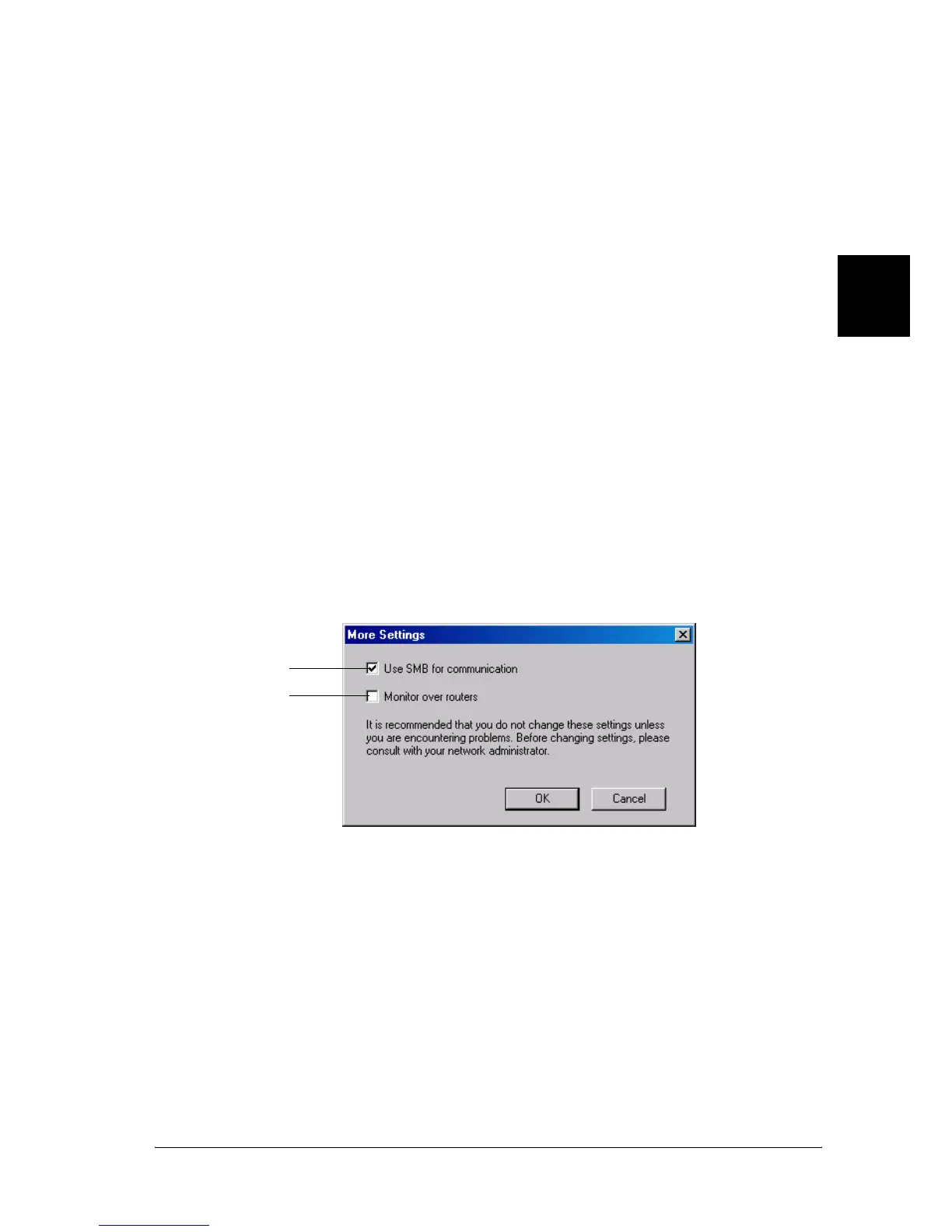
More Settings (EPL-6200L only)
You can monitor over routers or use the SMB protocol for
communication to monitor Windows shared printers.
Note:
This is a Windows XP/2000 screen.
6. OK button: Saves new changes.
7. Cancel button: Cancels any changes.
8. Help button: Opens online help for the Monitoring
Preferences dialog box.
9. Show Job Information
check box (EPL-6200
only)
Select if you want information on the
print job to be displayed.
10.Noify end of print job
check box (EPL-6200
only)
Select if you want EPSON Status
Monitor 3 to inform you when a print
job is done.
1
2



 To Next Page