272 Using the Remote Control Panel Utility (EPL-6200 only)
Printing font samples
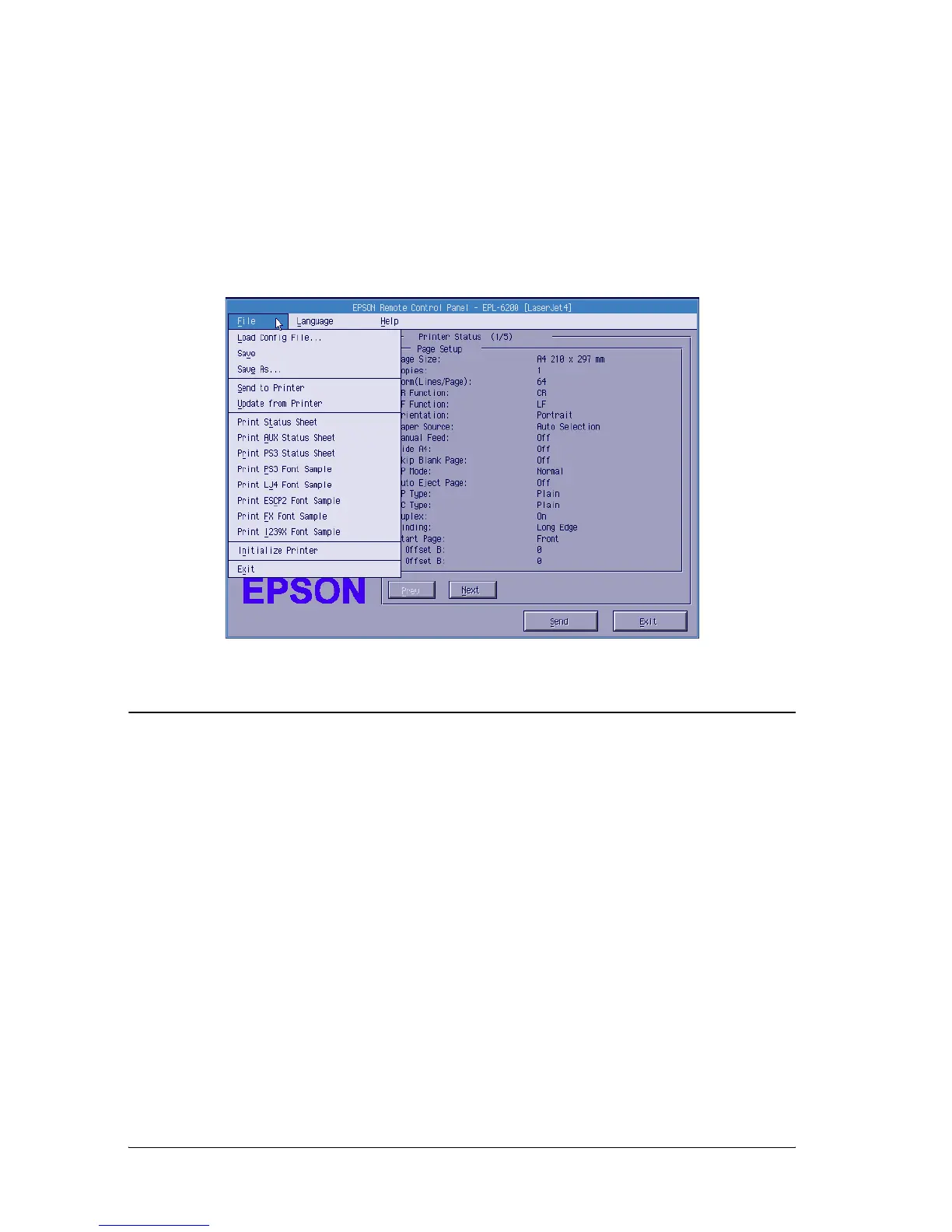
To print font samples available with the various printer emulation
modes, choose the font sample that you want to print from the
File menu. The File menu shown below is for the LaserJet4
emulation mode.
For Macintosh Users
Remote Control Panel utility overview
This section gives you an overall introduction to the functions of
the Remote Control Panel utility and provides you with
instructions on its installation and execution.
When to use the Remote Control Panel utility
The Remote Control Panel utility is the software interface that
allows you to select the printer port and make settings you cannot
usually make in the printer driver.



 To Next Page