Troubleshooting 365
11
11
11
11
11
11
11
11
11
11
11
11
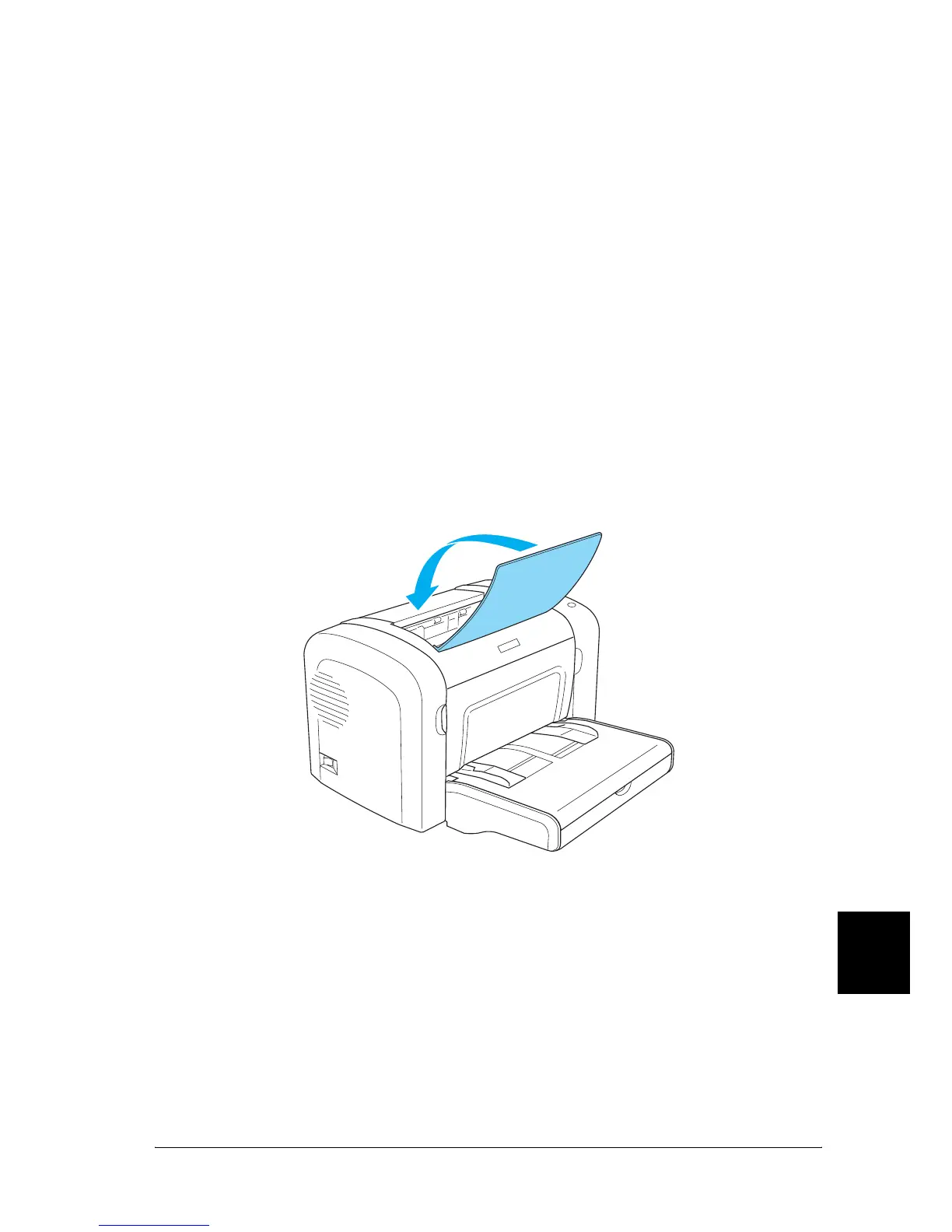
❏ Try turning over the stack of paper in the paper tray. Most
paper packages indicate the top side of the paper with an
arrow at the side of the package.
❏ Be sure that you do not add paper while printing.
Paper jam — inside the printer
If paper is jammed inside the printer, remove the sheet as follows:
Note:
The illustrations used in this procedure show the EPL-6200.
1. Close the output tray.



 To Next Page