314 Replacing Consumable Products
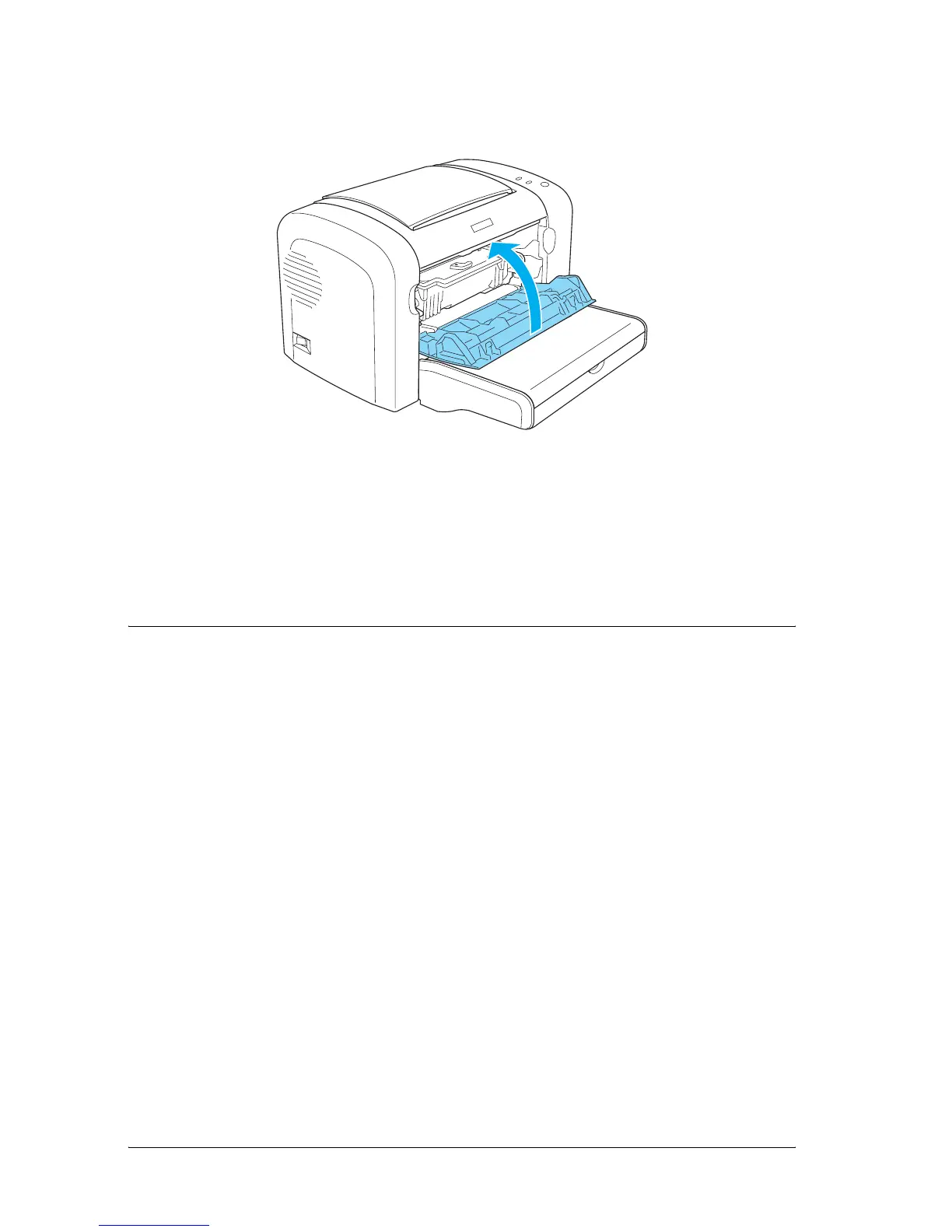
9. Close the front cover until it clicks shut.
Whenever you replace the developer cartridge, you should also
clean the paper roller as described in “Cleaning the paper path
rollers” on page 326.
Photoconductor Unit
Always observe the following handling precautions when
replacing photoconductor units:
❏ When replacing the photoconductor unit, avoid exposing it
to room light any longer than necessary.
❏ Be careful not to scratch the surface of the drum. Also, avoid
touching the drum, since oil from your skin may permanently
damage its surface and affect print quality.
❏ To get the best print quality, do not store the photoconductor
unit in an area subject to direct sunlight, dust, salty air, or
corrosive gases (such as ammonia). Avoid locations subject to
extreme or rapid changes in temperature or humidity.
❏ Do not tilt the photoconductor unit.



 To Next Page