Using the Printer Driver For Macintosh 183
4
4
4
4
4
4
4
4
4
4
4
4
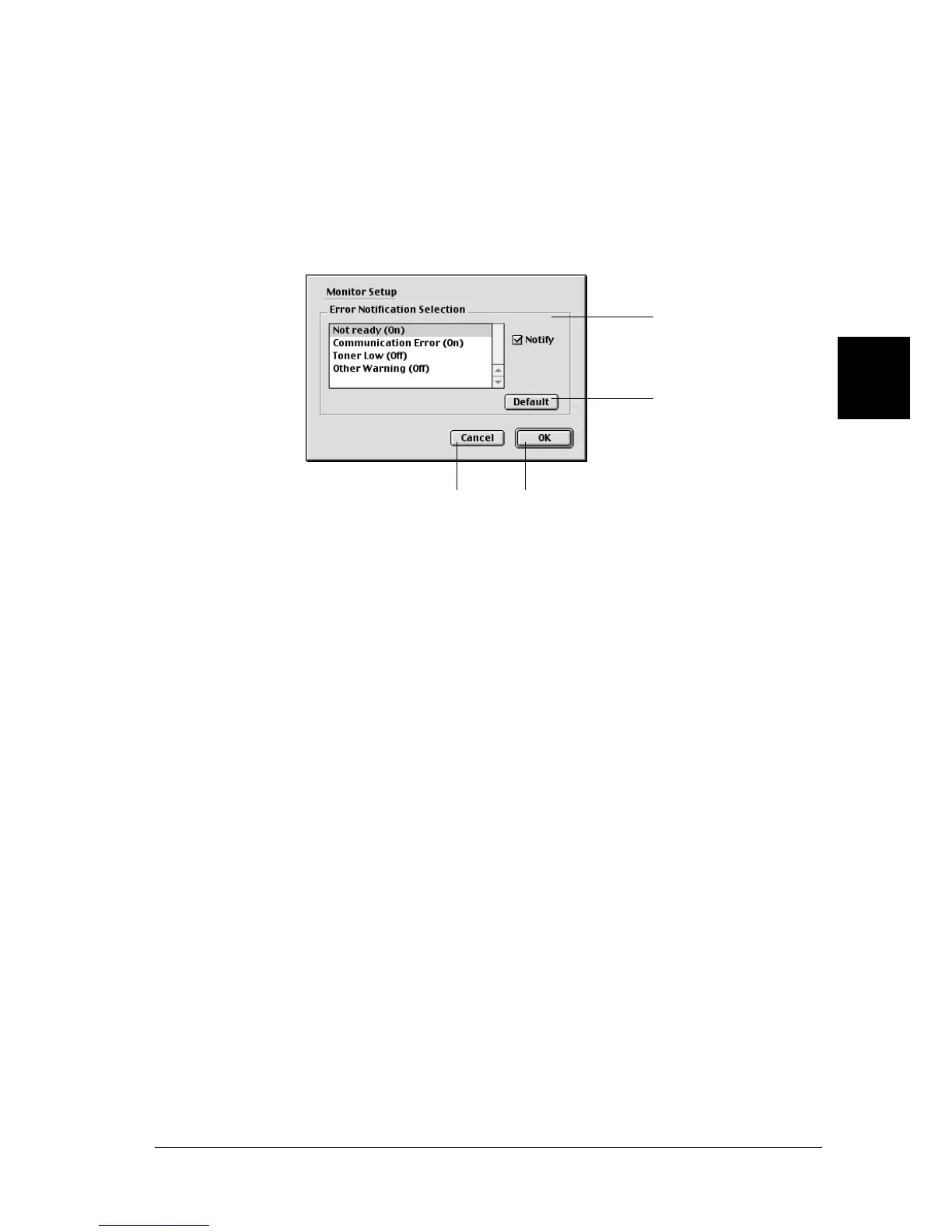
Setting Monitoring Preferences
To make specific monitoring settings, select the Monitor Setup
from File menu of the EPSON Status Monitor 3. The Monitoring
Preferences dialog box appears.
The following settings and buttons appear in the dialog box.
1. Error Notification
Selection:
Selects the types of errors that you wish
to be notified about.
Note: (EPL-6200L only)
You can choose Once a day for
consumable.
Once a day: When a notification occurs, it is
displayed once a day until it is resolved
2. Default button: Restores default settings.
3. Cancel button: Cancels any changes.
4. OK button: Saves new changes.
34
2
1



 To Next Page