50 Using the Printer Driver For Windows
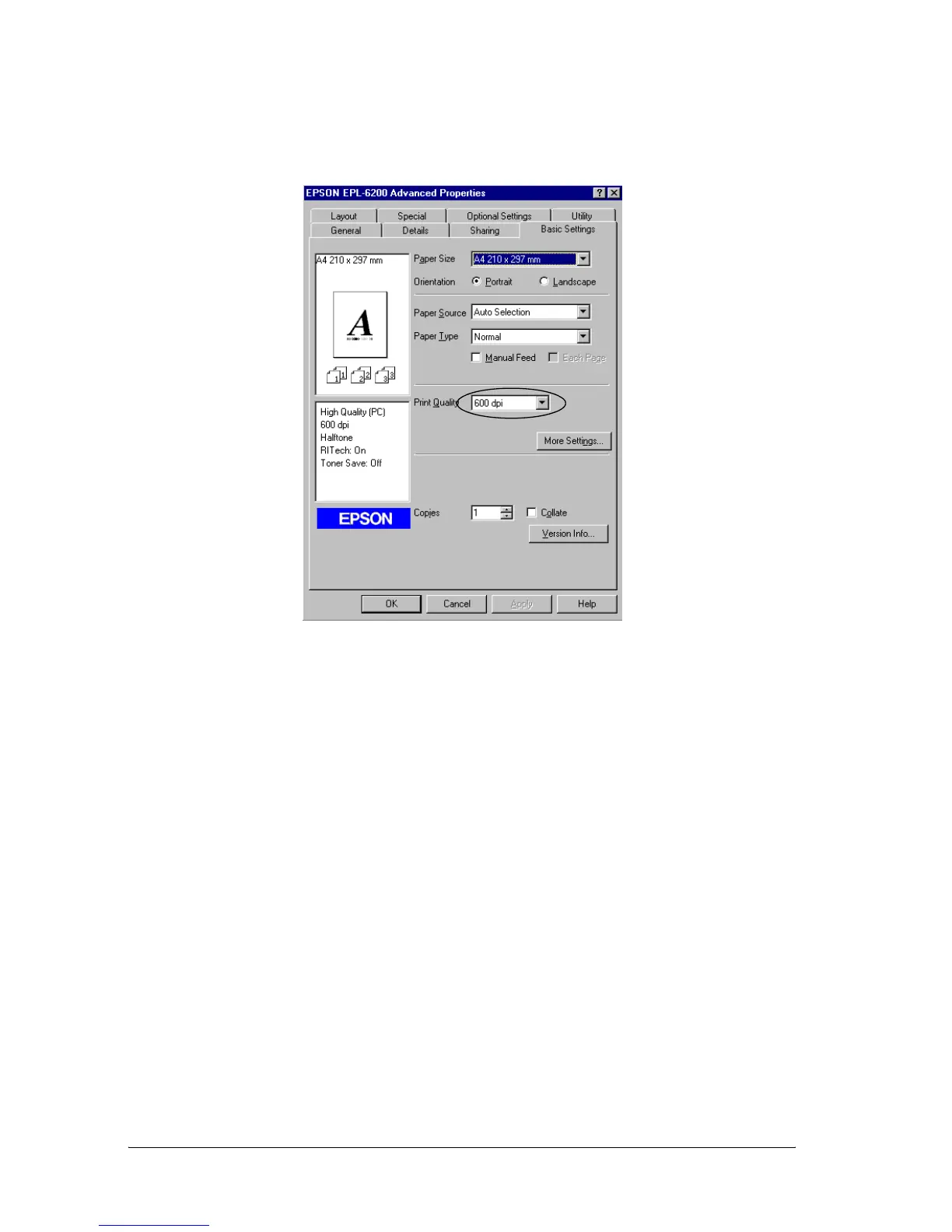
2. Select the desired printing resolution from the Print Quality
drop-down list.
3. Click OK to accept the setting.
Note:
❏ For details about the Enh. MG or RITech functions, see the
Online Help.
❏ If printing is unsuccessful or a memory-related error message
appears, selecting a lower resolution may allow printing to
proceed.
Resizing printouts
You can have your document enlarged or reduced automatically
during printing.



 To Next Page