316 Replacing Consumable Products
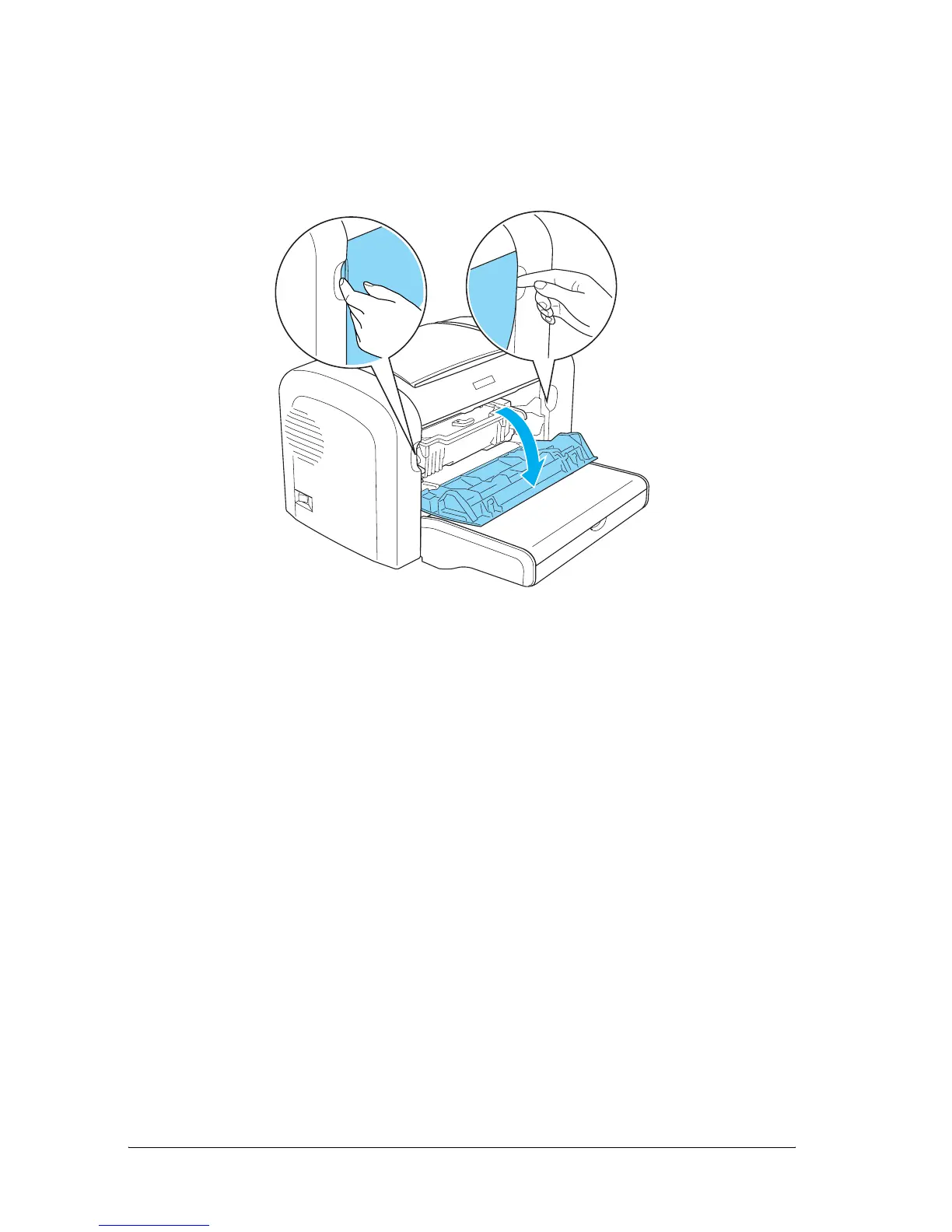
2. Open the front cover by placing your fingers on the grooves
on both sides of the cover as shown below, and then pull the
cover towards you.
c
Caution:
You must completely open the printer cover when replacing
the photoconductor unit; otherwise, you may damage the
printer.



 To Next Page