324 Cleaning and Transporting the Printer
4. Remove any dirt inside the printer with a clean, dry, lint-free
cloth. Do not use compressed air. If you have paper feed
problems, clean the paper roller by wiping the roller with a
clean, dry, lint-free cloth.
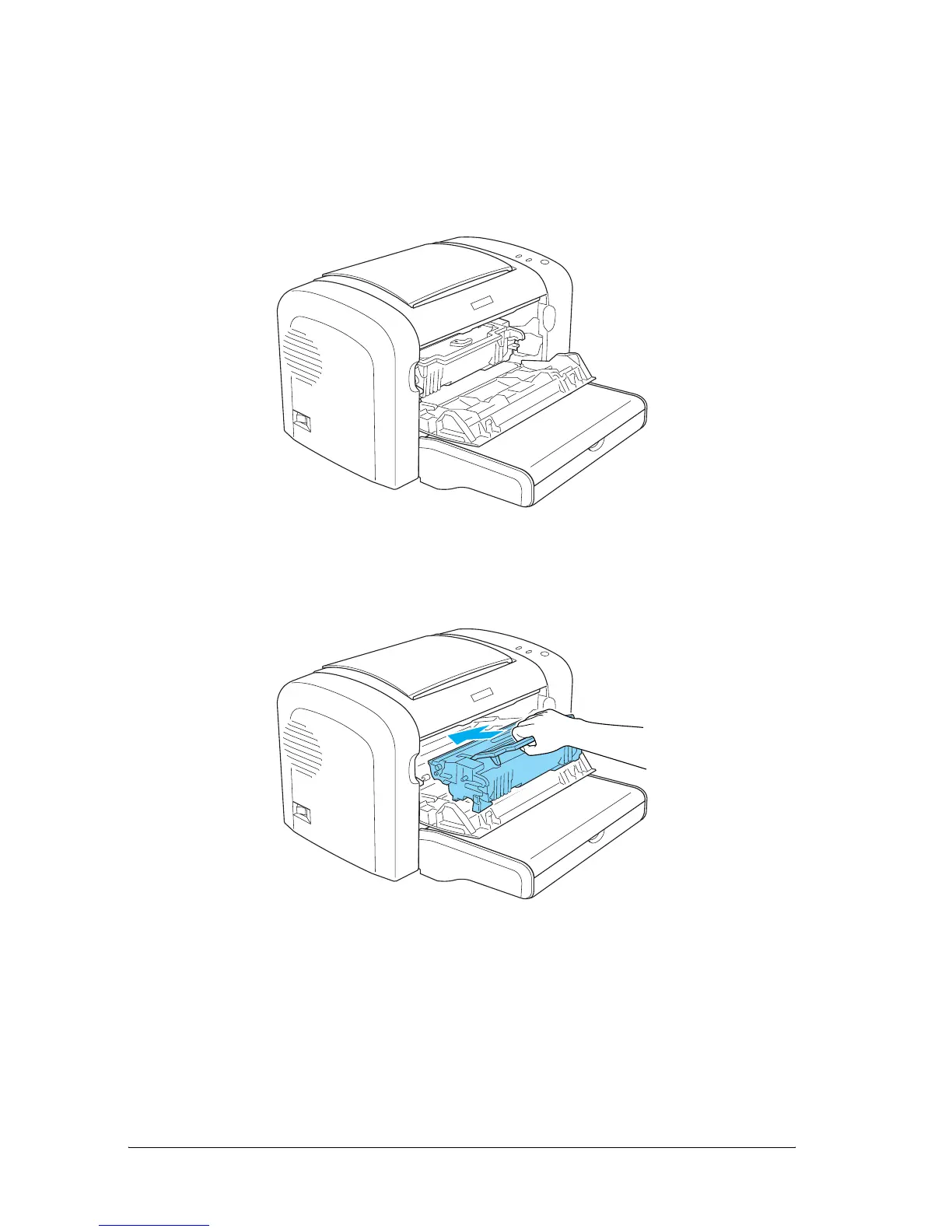
5. Reinstall the developer cartridge and photoconductor unit.
6. Close the printer’s front cover until it clicks shut.



 To Next Page