Troubleshooting 385
11
11
11
11
11
11
11
11
11
11
11
11
Note:
❏ Make sure that the paper is evenly aligned and that the top sheet
is below the maximum paper mark.
❏ Make sure that you are using the correct paper size and that the
paper you are using meets the specifications for this printer. The
tray can accommodate only A4 size paper.
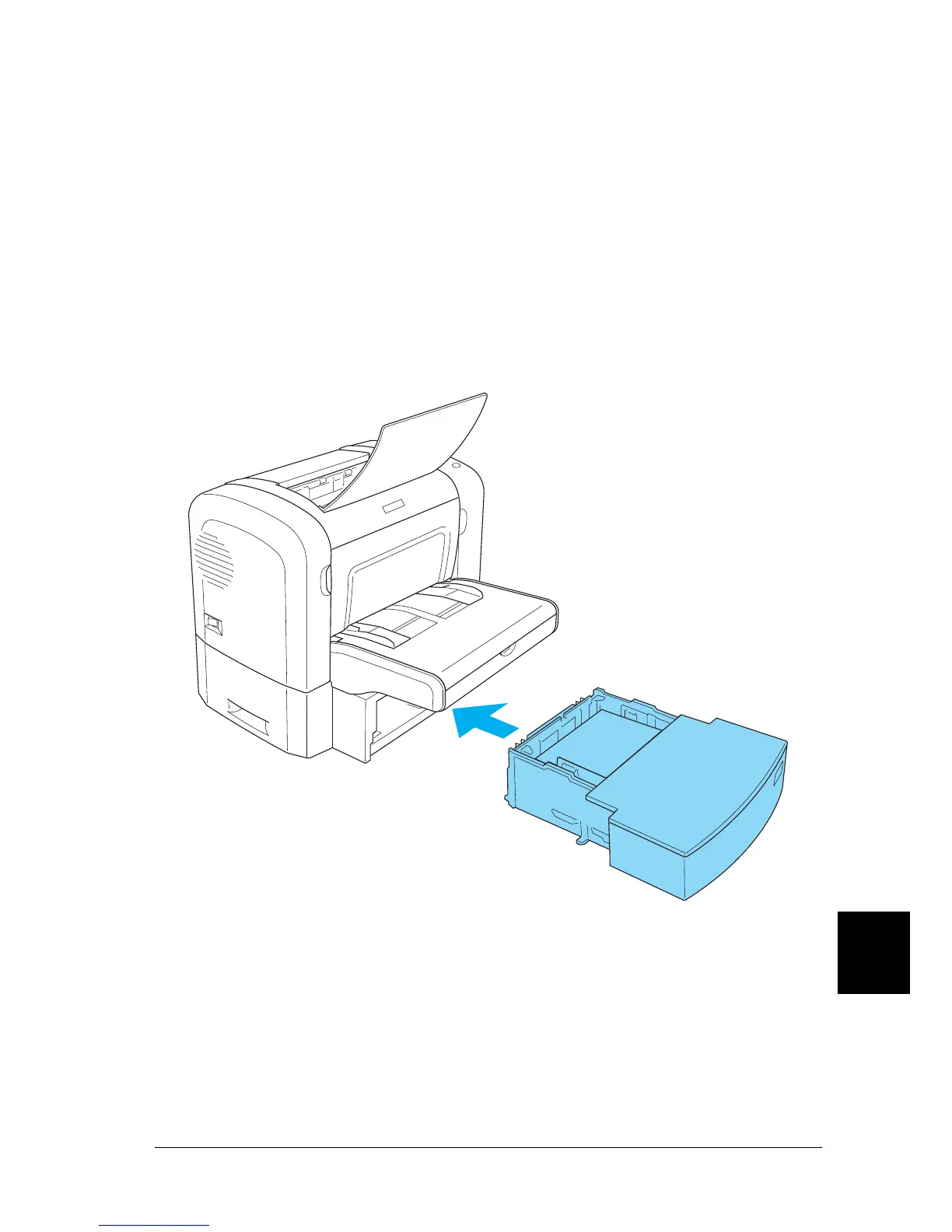
5. Set the paper tray back into the 500-Sheet Lower Paper
Cassette Unit A4.
6. Open and then close the printer’s front cover. The jammed
page’s print data is automatically reprinted.



 To Next Page