56 Using the Printer Driver For Windows
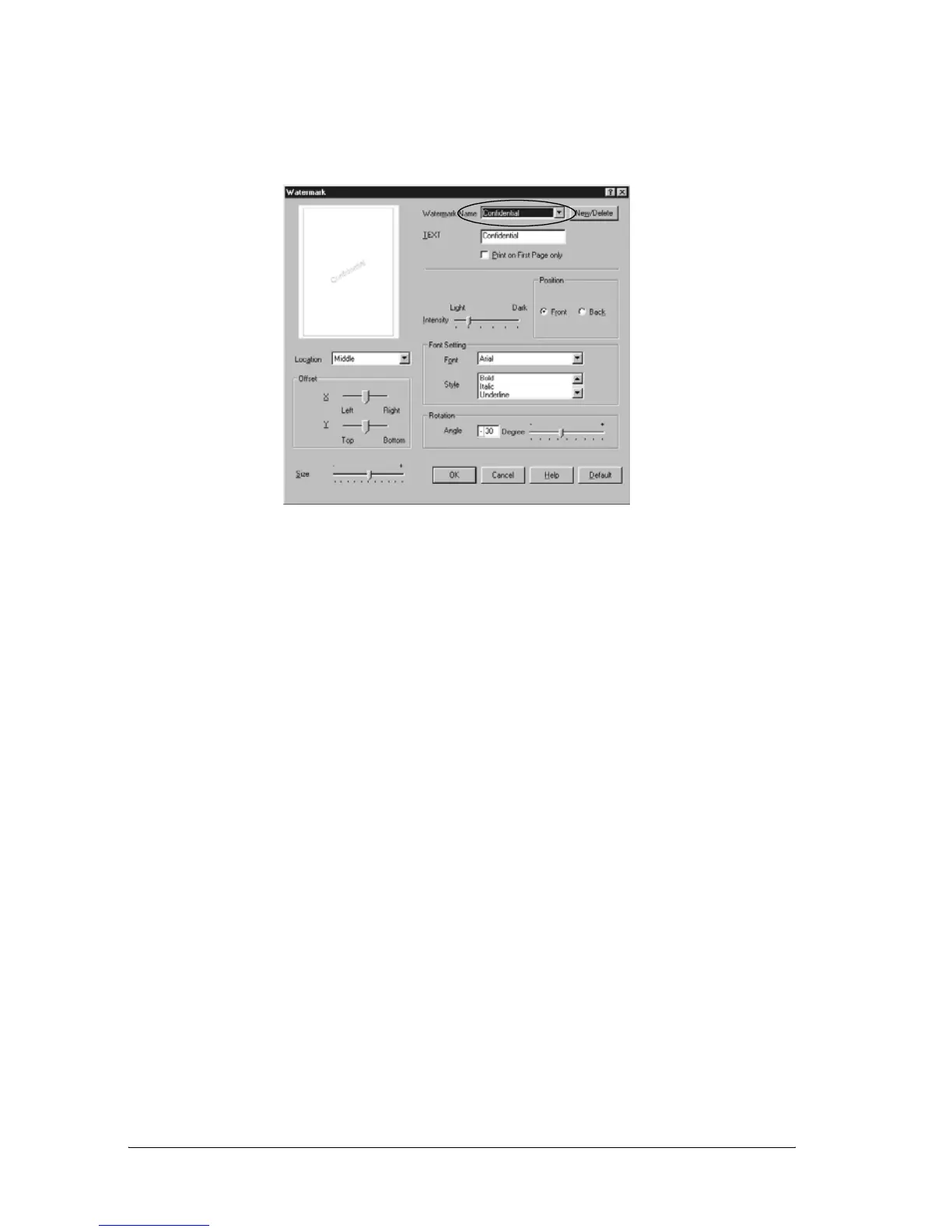
4. Select a watermark from the Watermark Name drop-down
list.
5. Select the location on the page where you want to print the
watermark from the Location list box.
6. Adjust the horizontal or vertical Offset position.
7. Adjust the image intensity of the watermark with the
Intensity slider bar.
8. Adjust the size of the watermark with the Size slider bar.
9. Select Front (to print the watermark on the face of the
document) or Back (to print the watermark on the backside
of the document) for the Position setting.
10. Click OK to accept the settings.
Making a new watermark
You can make a new watermark as follows:
1. Click the Special tab.



 To Next Page