16
Power On Your System
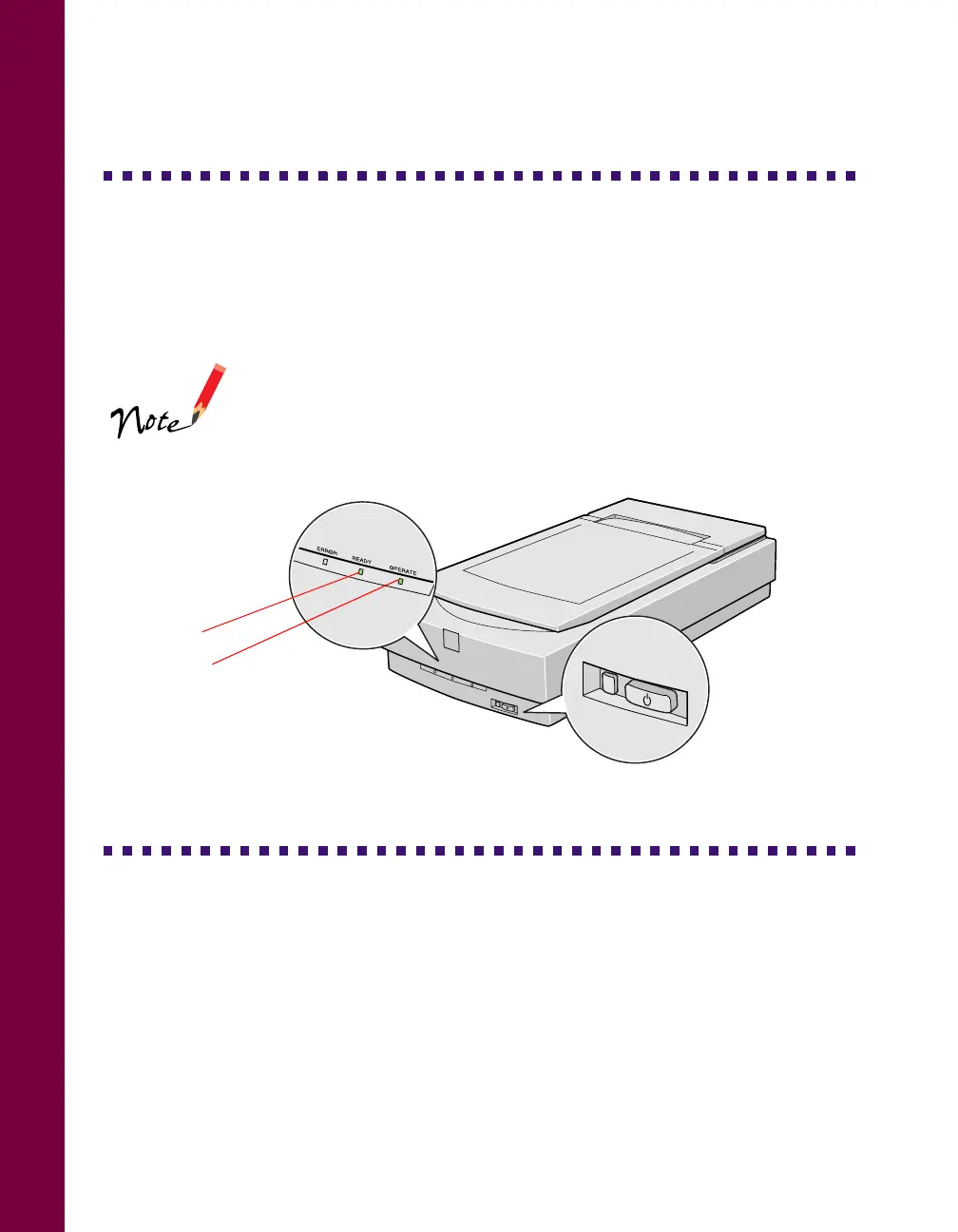
Always press the OPERATE button to turn on your scanner before you turn on the
computer. Otherwise, the computer may not recognize your EPSON scanner when
you install your software.
As the scanner initializes, the
P OPERATE light on the
scanner’s front panel comes on and the scanner’s lamp
carriage moves forward, then back. After a few seconds, the
READY light comes on.
Install the SCSI Software (PC Only)
The EPSON Expression 800 Scanning Tools CD-ROM includes the Windows 95,
Windows 98, and Windows NT drivers for your SCSI board. You need to install the
SCSI software for your system before you can use your scanner.
Before you begin, make sure your SCSI board is installed, and your scanner is
attached to the computer.
OPERATE
RESET
OPERATE light
READY light













 To Next Page