50
2. Place the film inside the guide, making sure
that the area you want to scan is aligned with
the open scan area in the guide. The glossy
(smooth) side of the film should be facing
down.
3. Close the TPU and scan according to the
instructions in your scanner driver’s electronic
guide.
Scanning Normal Documents with the
Transparency Unit Installed
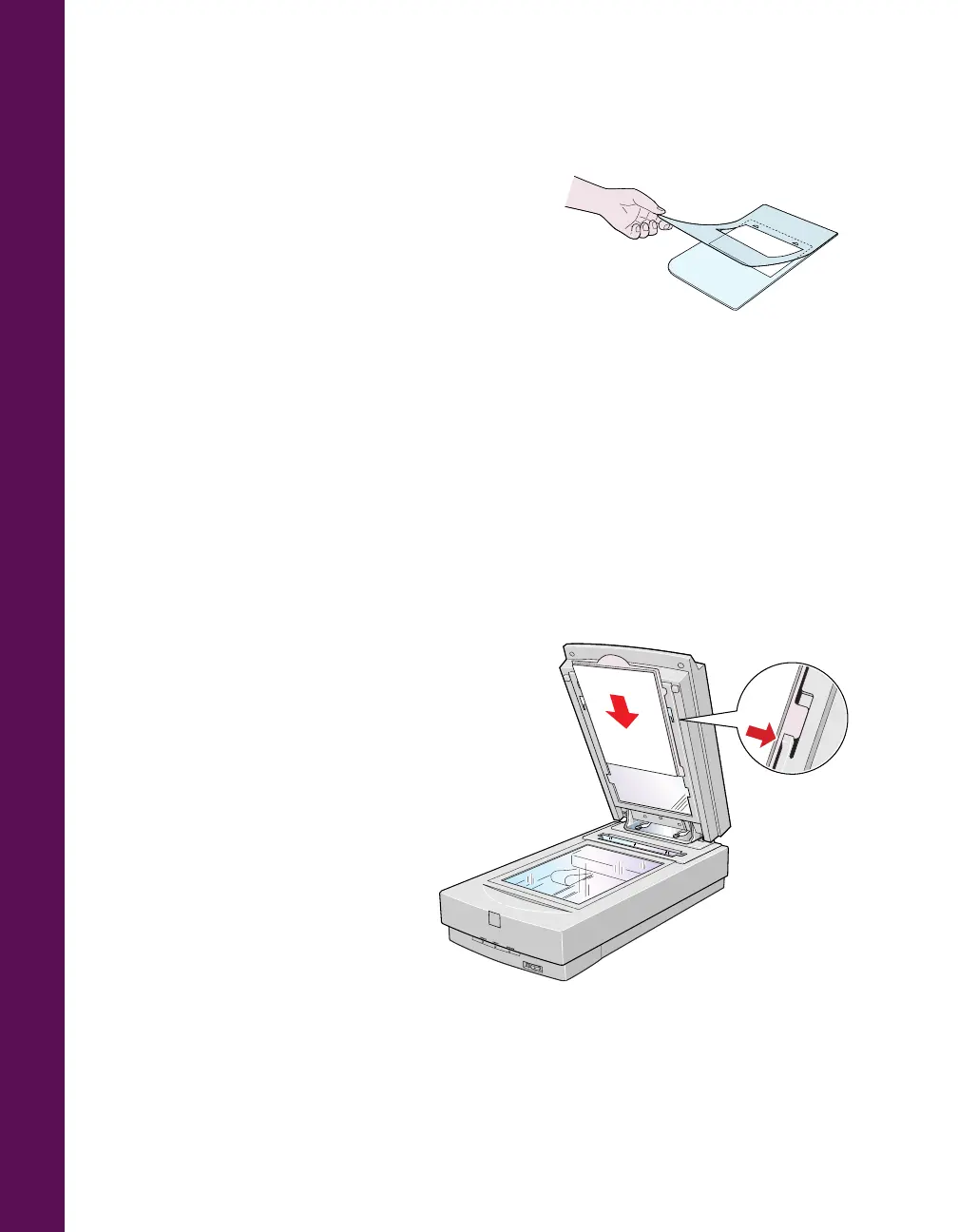
To scan normal documents with the transparency unit installed, insert the reflective
document mat included with the transparency unit.
1. Open the transparency unit.
If there’s a film guide on the document table, remove it
.
2. Insert the tabs on the reflective
document mat into the slots on
the transparency unit and slide
the mat down until the tabs are
secure.
3. Place your document face down
on the document table and close
the transparency unit.
4. Scan according to instructions
in “Step-by-Step Scanning
Instructions” on page 35.













 To Next Page