60
Lights and Buttons
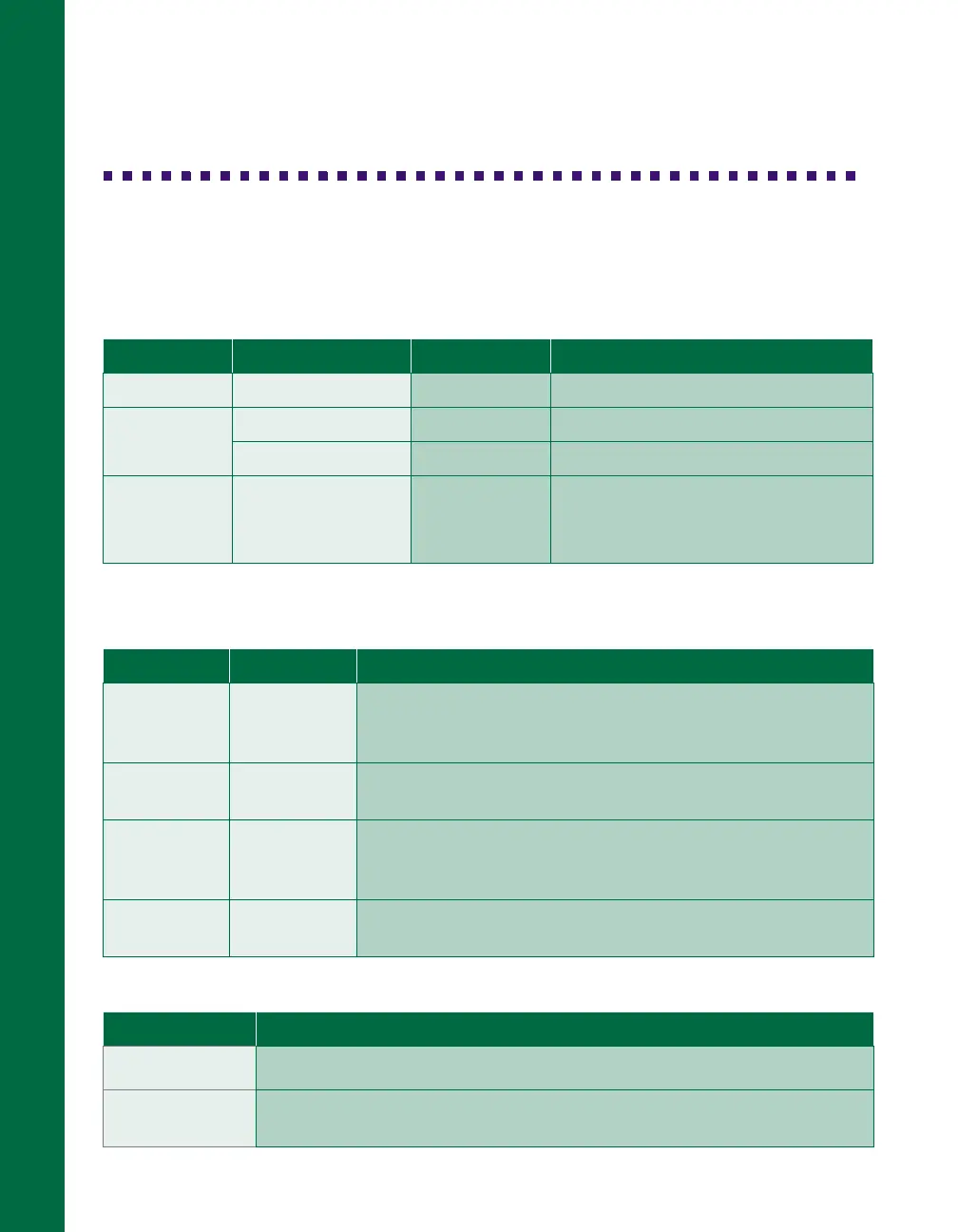
The scanner has three indicator lights and two buttons:
Scanner indicator lights
N = on,
O = off,
F = flashing
Error conditions
Scanner buttons
Light Light status Color Scanner status
OPERATE
N
Green Initializing or busy scanning
READY
N
Green Ready to scan images
F
(flashing)
Green Scanning is in progress
ERROR
N
F
(rapidly flashing)
O
Red An error occurred; see the table
below for more information
ERROR light READY light Error type
N
N
Command error: The scanner has received incorrect
commands from your scanning software. Try rescanning
the document.
O
F
Interface error: Check that your scanner is securely
connected to your computer and press the
RESET
button.
F
F
Fatal error: Check that the transportation lock is released,
then press the
RESET
button. If this doesn’t solve the
problem, call your EPSON dealer.
O
O
Option error: There’s a problem with an installed option.
Consult your EPSON dealer.
Button Function
P
OPERATE
Turns the scanner on and off.
RESET
Resets the scanner after an error. (Pressing this button while scanning
is in progress stops the scanner and may cause an error.)













 To Next Page