35
Step-by-Step Scanning Instructions
This section contains step-by-step instructions for scanning an image. Although the
Macintosh interface is shown, Windows steps are the same.
Placing Your Original Document
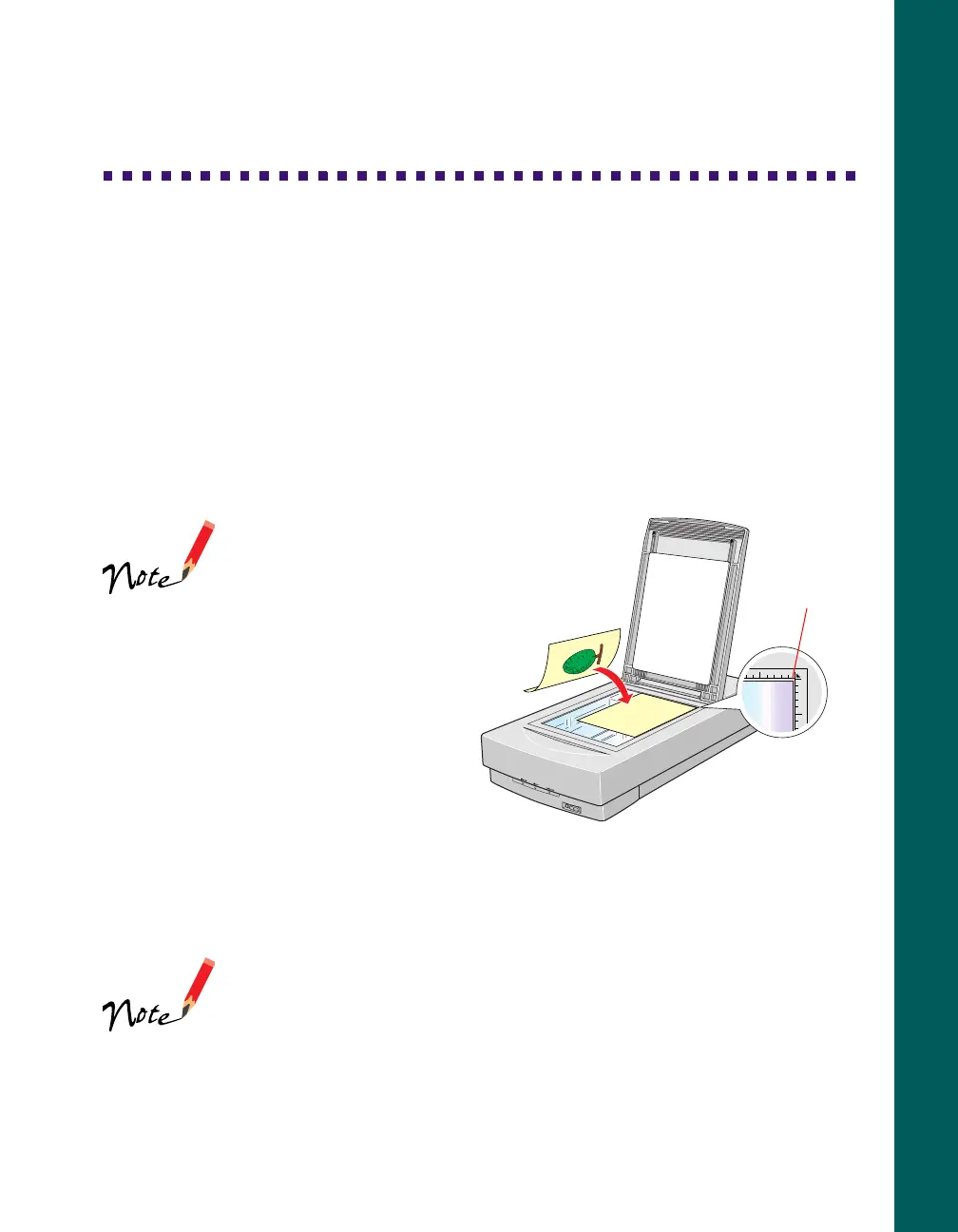
1. Raise the scanner cover and place your document face down on the document
table. If you’re scanning a transparency, the optional transparency unit should be
installed (page 46).
If you have the
Professional model of
the EPSON Expression
800, the transparency
unit came with your
scanner. If you have the
Executive or Artist
models, you can order
the transparency unit.
2. Position the document so the
horizontal and vertical edges are
carefully aligned with the scales on
the top and right side of the
document table.
3. Close the document cover slowly. Be careful not to move the document.
You can remove the document cover if you need to scan a thick
item—such as a photo in an album—that doesn’t fit under the
cover. For details, see “Scanning Oversized Documents” in your
electronic
EPSON Expression 800 Reference Guide
.
top corner o
document













 To Next Page