49
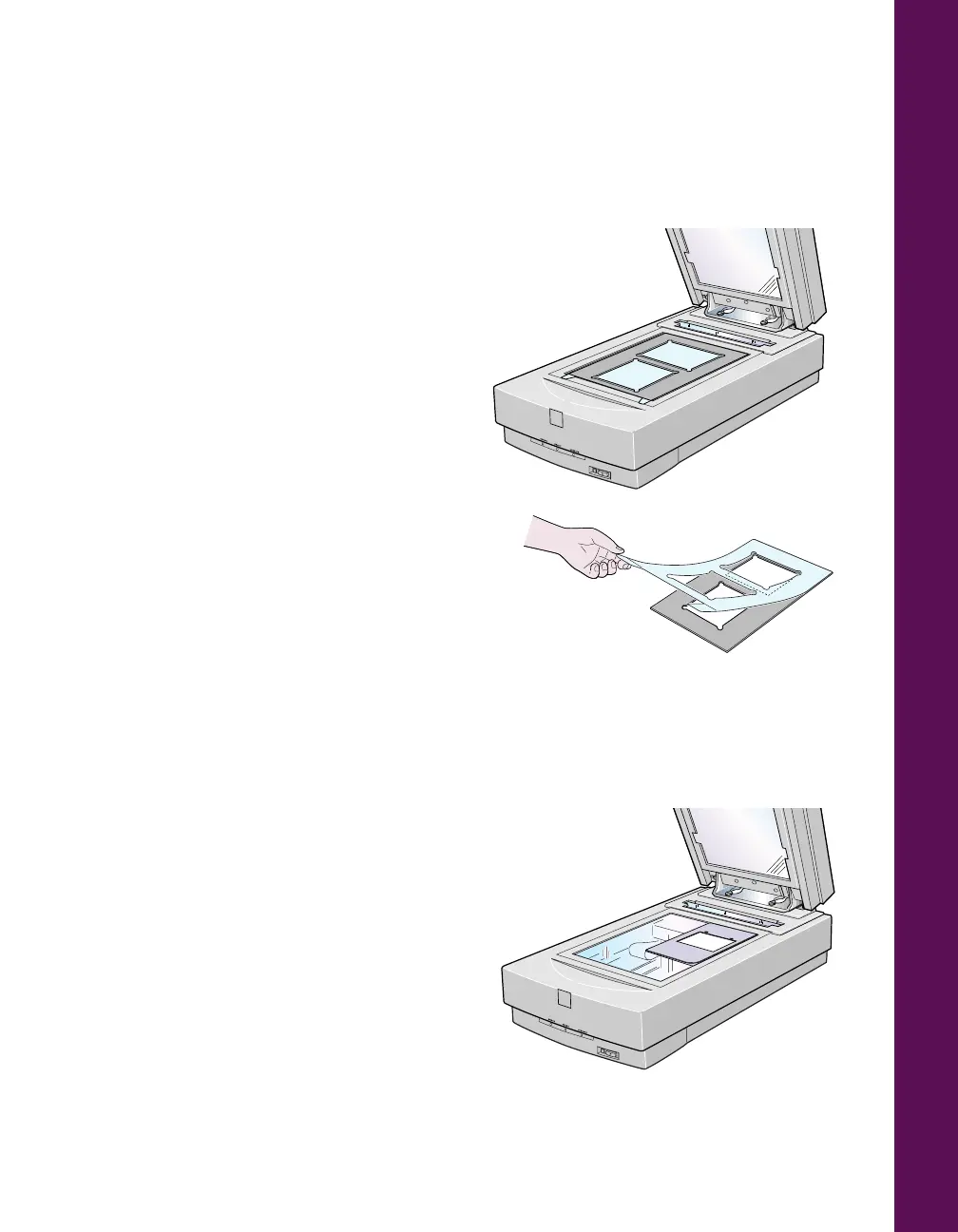
Loading 4 × 5-inch film
Follow these steps to load 4
×
5-inch film:
1. Place the 4
×
5-inch film guide on the
document table with the plastic cover
facing up. Make sure that the upper
and right edges of the guide are
aligned with the ruled edges of the
document table.
2. Lift the plastic cover and position the
film with the glossy (smooth) side of the
film facing down. Make sure to align the
area you want to scan with the open scan
areas on the guide.
3. Close the TPU and scan according to the
instructions in your scanner driver’s
electronic guide.
Loading 120-size or 220-size (medium format) film
Follow these steps to load 120-size or
220-size format film:
1. Place the 120/220-size film guide on
the scanner’s document table, fitting
one corner of the guide against the
upper right corner of the document
table. The guide’s cover should be
facing up.













 To Next Page