22
9. Click OK to close the window. At the next screen, click Next to calibrate the
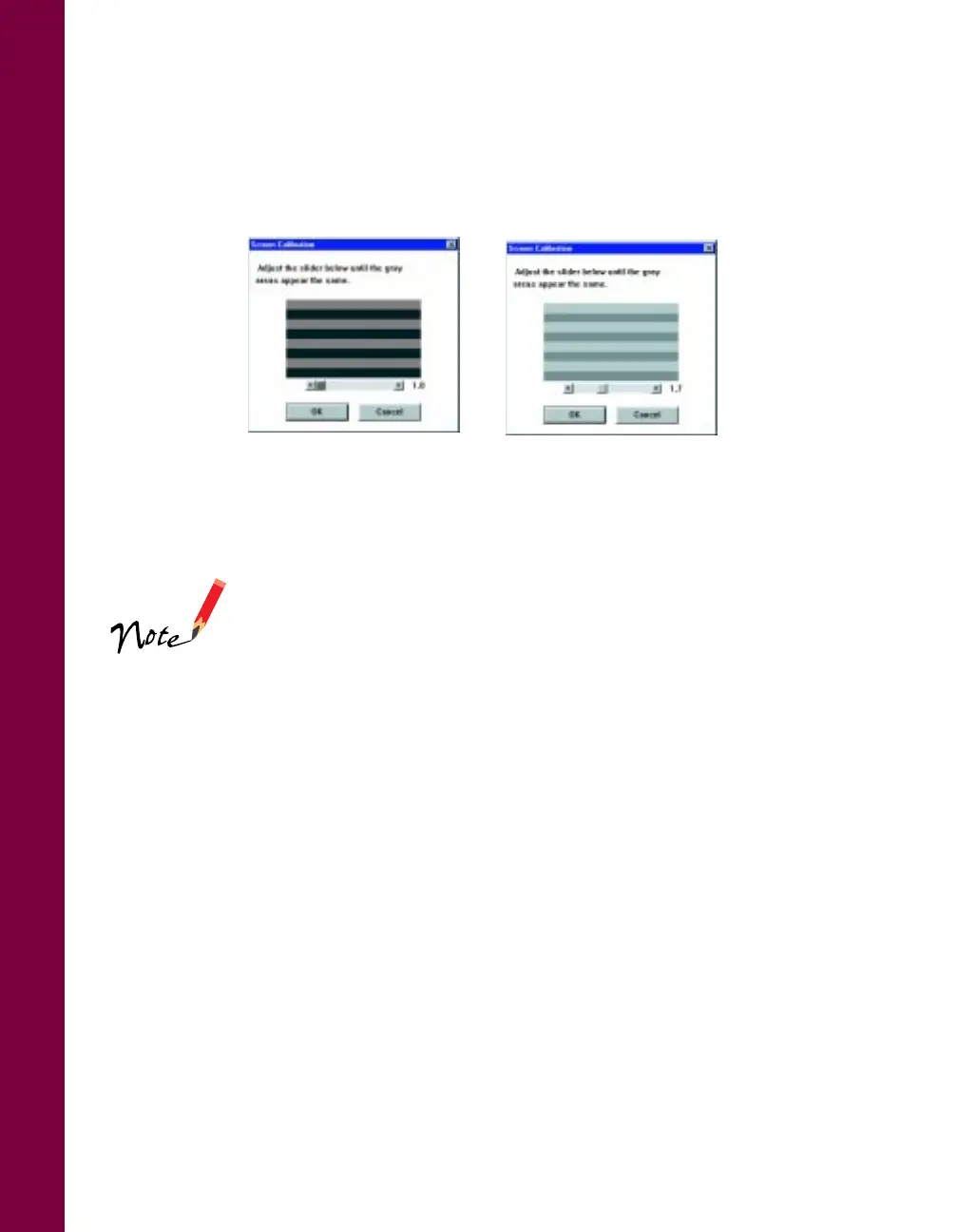
scanner to your screen. You see the Screen Calibration window.
10. Move the slider to the right or left until the shades of horizontal gray stripes
appear similar when viewed from a slight distance. They may not match exactly,
depending on your monitor. Then click OK to register the calibration setting.
You won’t need to change the screen calibration as long as
you continue to use the same display. If you need to
recalibrate your screen at a later time, select Screen
Calibration in the EPSON Scanner folder.
11. Click OK to exit the setup program and restart your computer.
before calibration
after calibration













 To Next Page