66
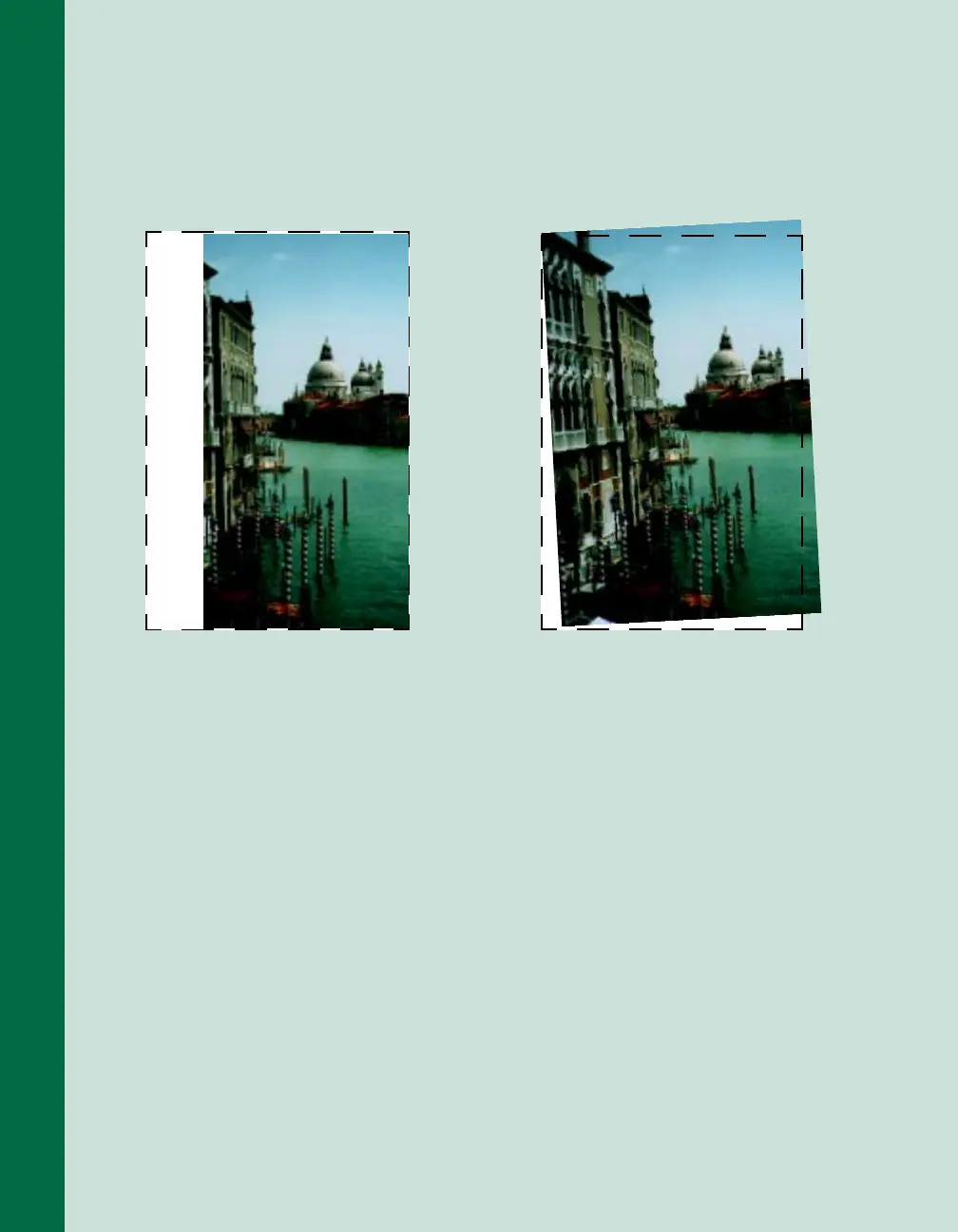
If the edges of the document are not
scanned. . .
Check the position of your source
document. Adjust your document’s
position so that the image is within the
glass area.
If your image scans at an angle. . .
Check the position of your source
document. It may be placed at an angle
on the document table. Align it so the
horizontal and vertical edges are
carefully aligned with the scales on the
top and side of the document table.













 To Next Page