6.
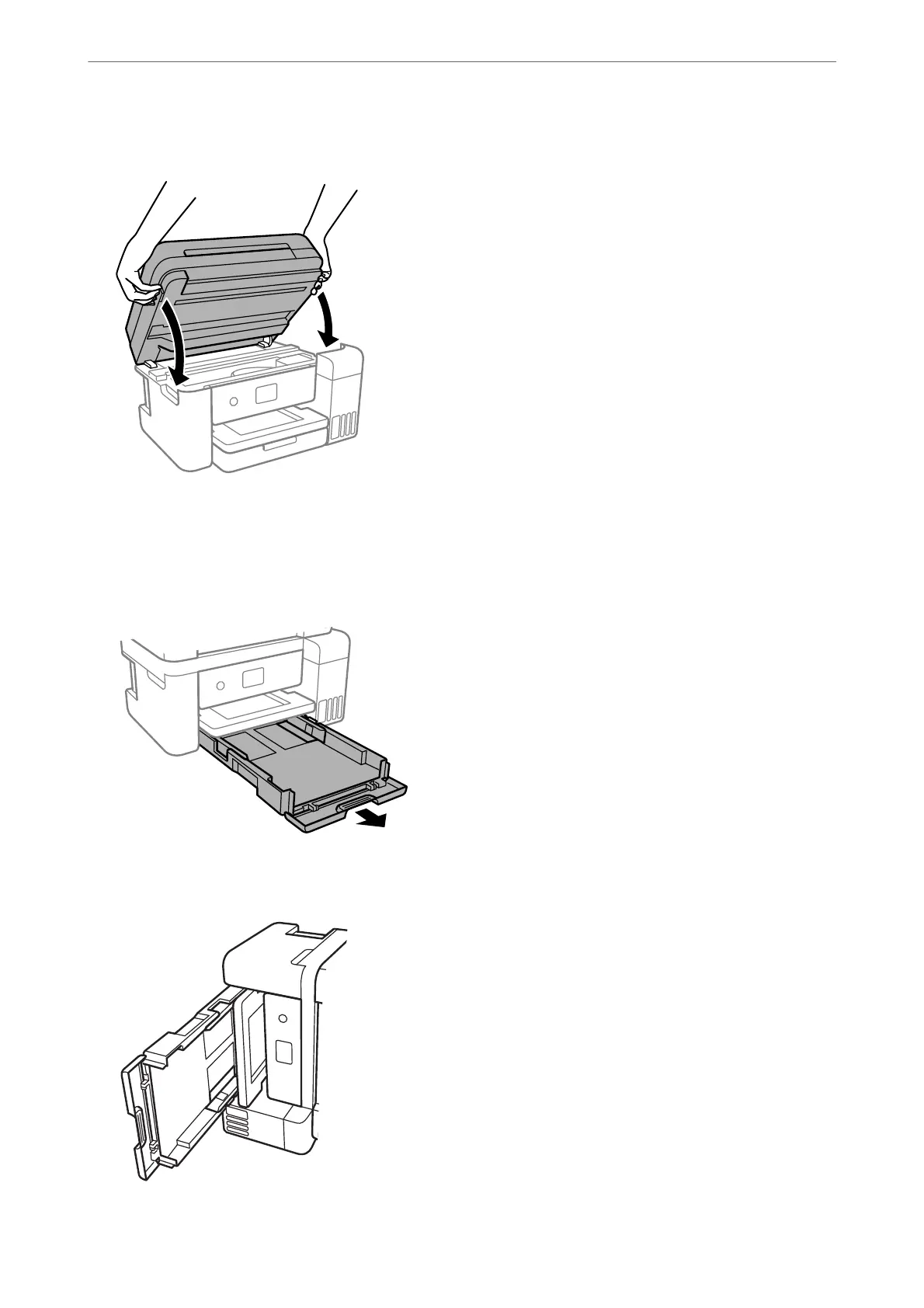
Close the scanner unit.
Note:
e scanner unit is designed to close slowly and resist a little as a precaution against catching ngers. Continue to close
even if you feel some resistance.
7.
Slide out the paper cassette, and then remove the paper.
8.
Stand the printer on its side with the printer's ink tank at the bottom.
Maintaining the Printer
>
Cleaning the Paper Path for Paper Feeding Problems
111



 To Next Page
 Loading...








