Related Information
& “Available Paper and Capacities” on page 244
& “Loading Paper” on page 30
& “Printing Using Easy Settings” on page 35
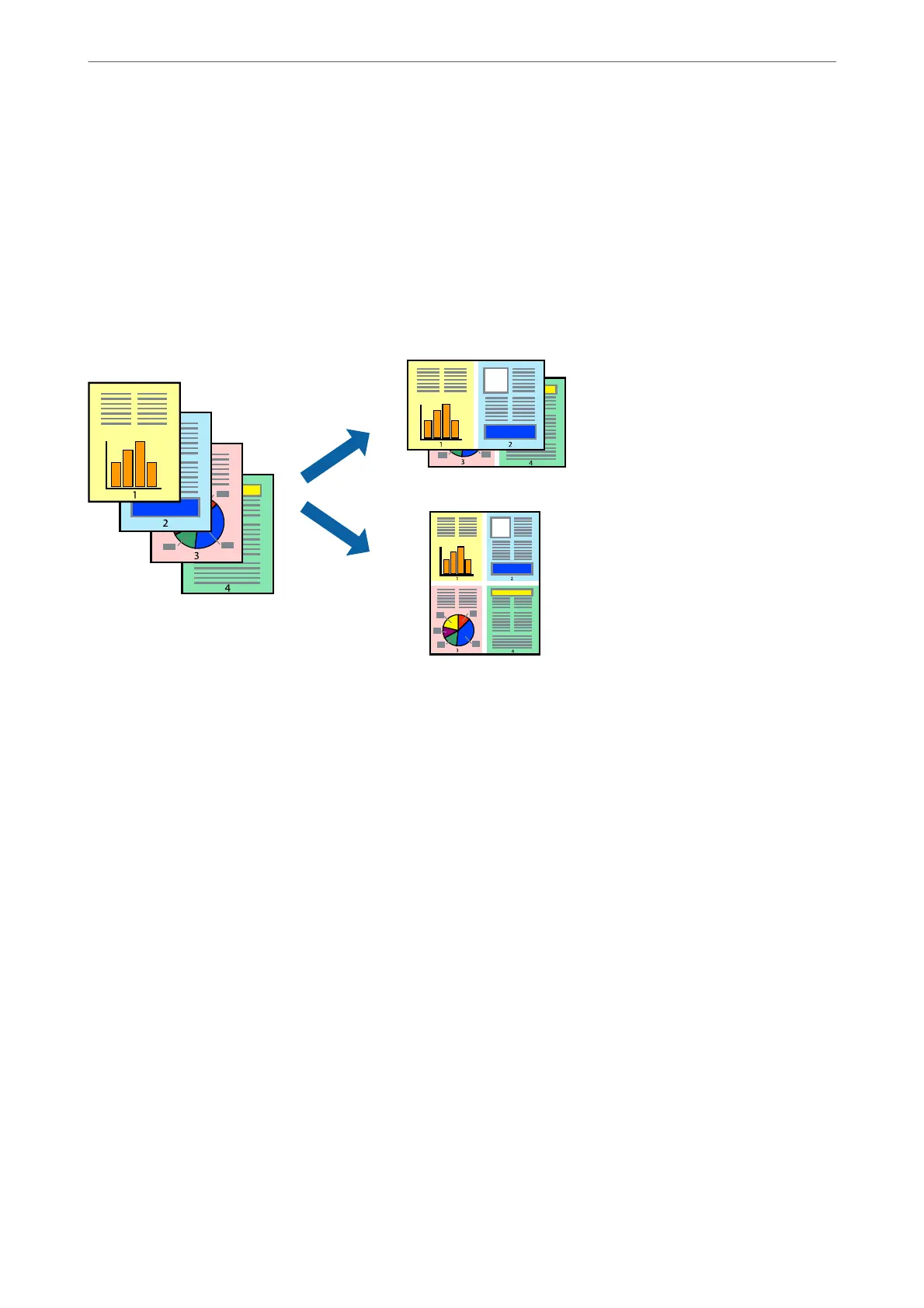
Printing Several Pages on One Sheet
You can print several pages of data on a single sheet of paper.
Note:
is feature is not available with borderless printing.
1.
On the printer driver's Main tab, select 2-Up, 4-Up, 6-Up, 8-Up, 9-Up, or 16-Up as the Multi-Page setting.
2.
Click Layout Order, make the appropriate settings, and then click OK.
3.
Set the other items on the Main and More Options tabs as necessary, and then click OK.
4.
Click Print.
Related Information
& “Loading Paper” on page 30
& “Printing Using Easy Settings” on page 35
Printing
>
Printing Documents
>
Printing from a Computer - Windows
40



 To Next Page
 Loading...








