4 • Working with ERBEJET 2
30 / 66
80110-801_V23493
2022-03
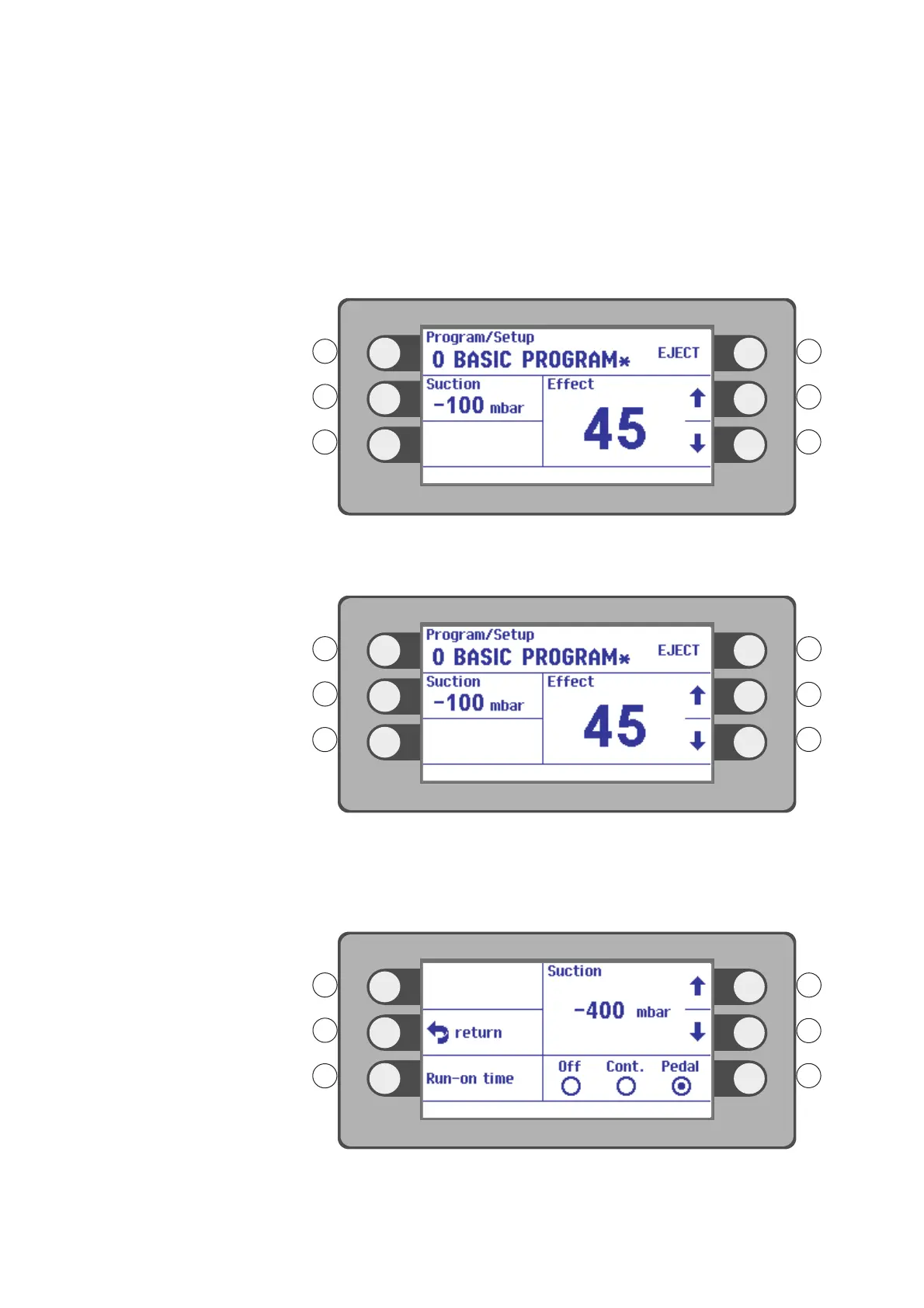
In the window Settings you can:
• Select Effect (1).
• Change to the Suction (2) window.
• Change to the Program / Setup (3) window.
• Eject the pump unit by pressing the selection button R1. Activate the menu item
EJECT (4).
Selecting effect
Fig. 4-20
Select an Effect with the selection buttons R2, R3. Example setting: Effect 45.
Setting suction
Fig. 4-21
If ERBEJET 2 is connected to an ESM 2 suction module, you can also apply suction with
a suitable applicator, as well as cut.
Press the selection button next to the menu item Suction.
Fig. 4-22



 To Next Page