4 • Working with ERBEJET 2
32 / 66
80110-801_V23493
2022-03
Activating with the single-pedal
footswitch
Activating with the dual-pedal
footswitch
Note: When activating ERBEJET 2, the set effect is shown inverted on the display
(white numbers on blue background).
Note: During suction, the set maximum vacuum is shown inverted on the display of
ERBEJET
2 (white numbers on blue background).
Saving a modified basic program as a new program, Selecting program,
Saving programs for the ReMode function
Saving a modified basic program as
a new program
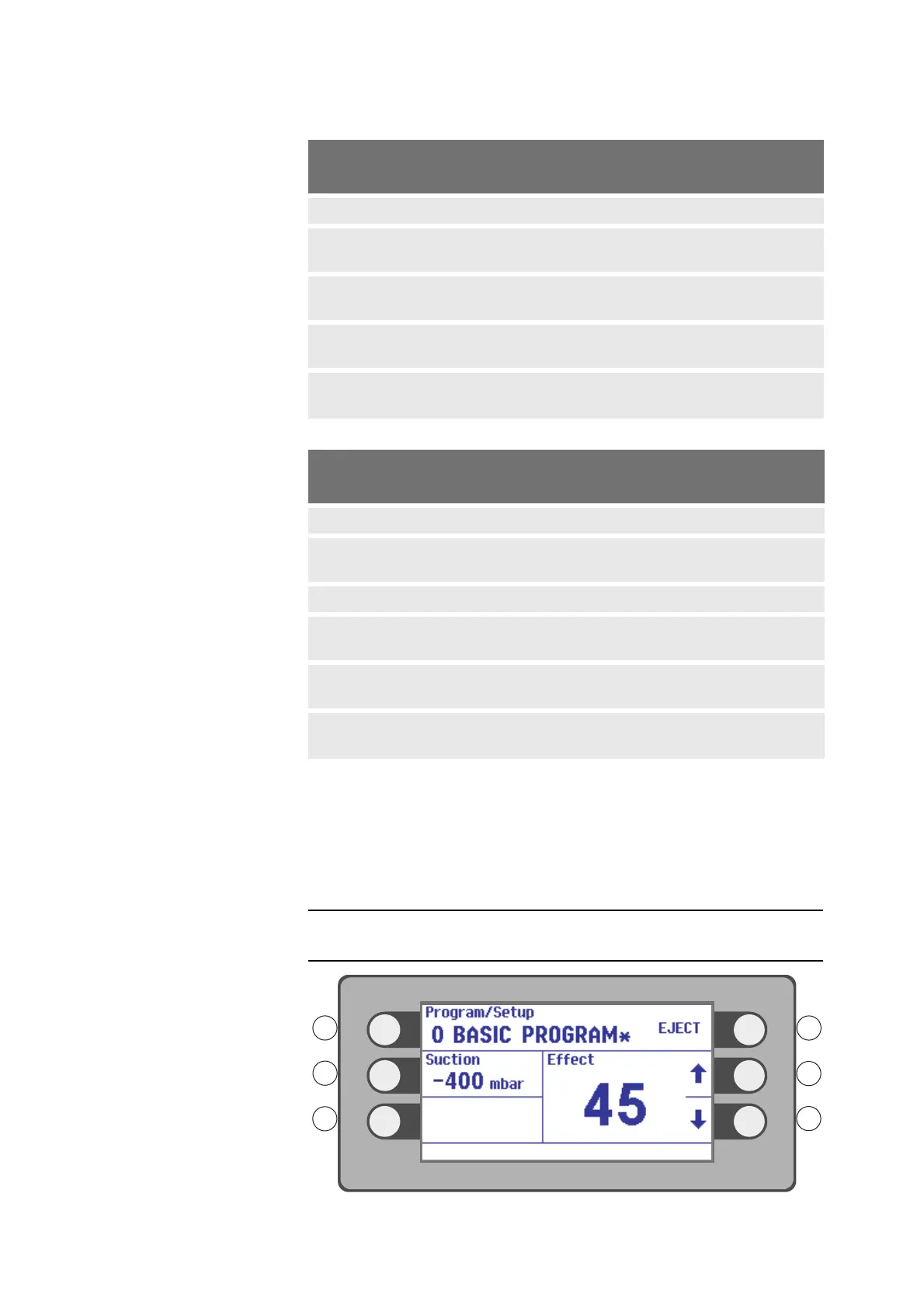
Fig. 4-24
What do you want to
activate?
Setting in the Suction
menu (GB)
Activating the
pedal
only water jet Off yes
continuous suction independent
of activation of ERBEJET 2
Cont. no
water jet + suction independent
of activation of ERBEJET 2
Cont. yes
water jet + suction Setting pedal + run-on
time off
yes
water jet + suction + run-on
time for suction
Setting pedal + run-on
time 1- 60 sec.
yes
What do you want to activate? Setting in the Suction
menu (GB)
Activating
pedal
only water jet Off right-hand pedal
only suction independent of acti-
vation of ERBEJET 2
Cont. none
only suction pedal left-hand pedal
water jet + suction independent of
activation of ERBEJET 2
Cont. right-hand pedal
water jet + suction Setting pedal + run-on
time off
right-hand pedal
water jet + suction + run-on time
for suction
Setting pedal + run-on
time 1- 60 sec.
right-hand pedal



 To Next Page