31 / 66
4 • Working with ERBEJET 2
80110-801_V23493
2022-03
You can perform several settings in the Suction window:
1. Suction mode
Press the selection button R3 to set the suction mode.
• Off: Suction is off.
• Cont: Suction works continuously, independent of activation of ERBEJET 2.
• Pedal: Suction works with pedal activation. In the example display, this setting is
active. You will find details on activation of suction and the water jet under the
heading Activation.
2. Vacuum for suction
Select the vacuum for Suction with the selection buttons R1, R2. The vacuum can be
selected in the range -100 to -800 mbar. Example setting: -400 mbar.
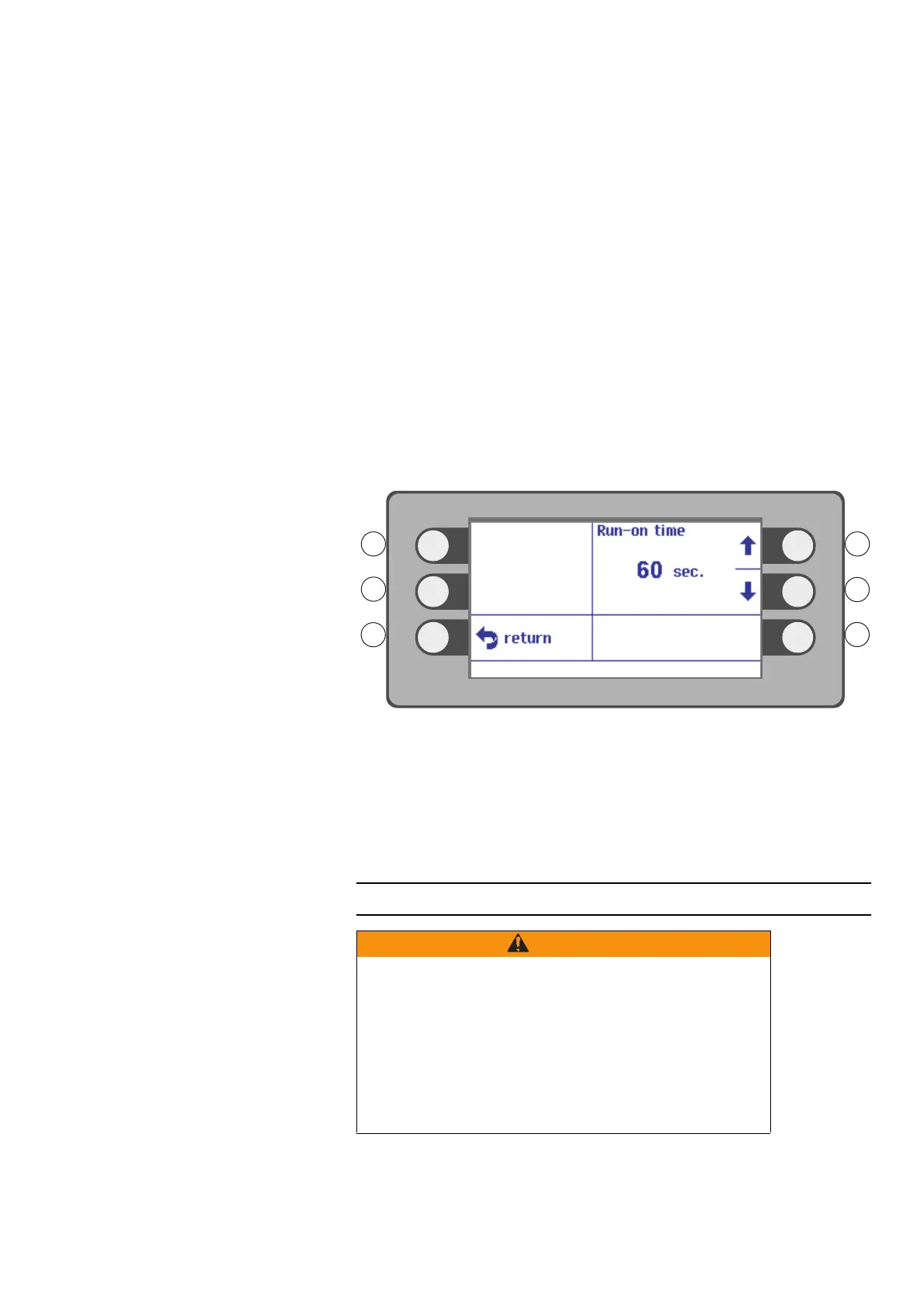
3. Run-on time
After the water jet activation is finished, suction continues for the set run-on time.
Press the selection button L3 to set the Run-on time.
Fig. 4-23
Select a run-on time in the range 1 to 60 sec. with the selection buttons R1, R2. Ex-
ample setting: 60 sec.
The run-on time can also be switched off: Setting OFF.
Press the selection button next to the menu item Return.
Activation
Contaminated separating medium
Separating medium splash over the medical staff.
Risk of infection for the medical staff.
Avoid the accumulation of separating medium in the operating
area. Ensure adequate suction.
Use personal protective equipment, e.g. a face mask and splash
guard. The protective equipment must be appropriate for the risk
arising from the patient.



 To Next Page