PAGE 104
FIREBALL INSTALLATION & USER’S GUIDE - M22001-01A1
CHAPTER 6 - MANAGING MUSIC
To Delete a Music Playlist
u Press the MUSIC key to show the Music Guide.
v Use the ARROW keys to highlight the music playlist you want to delete.
w Press the OPTION key.
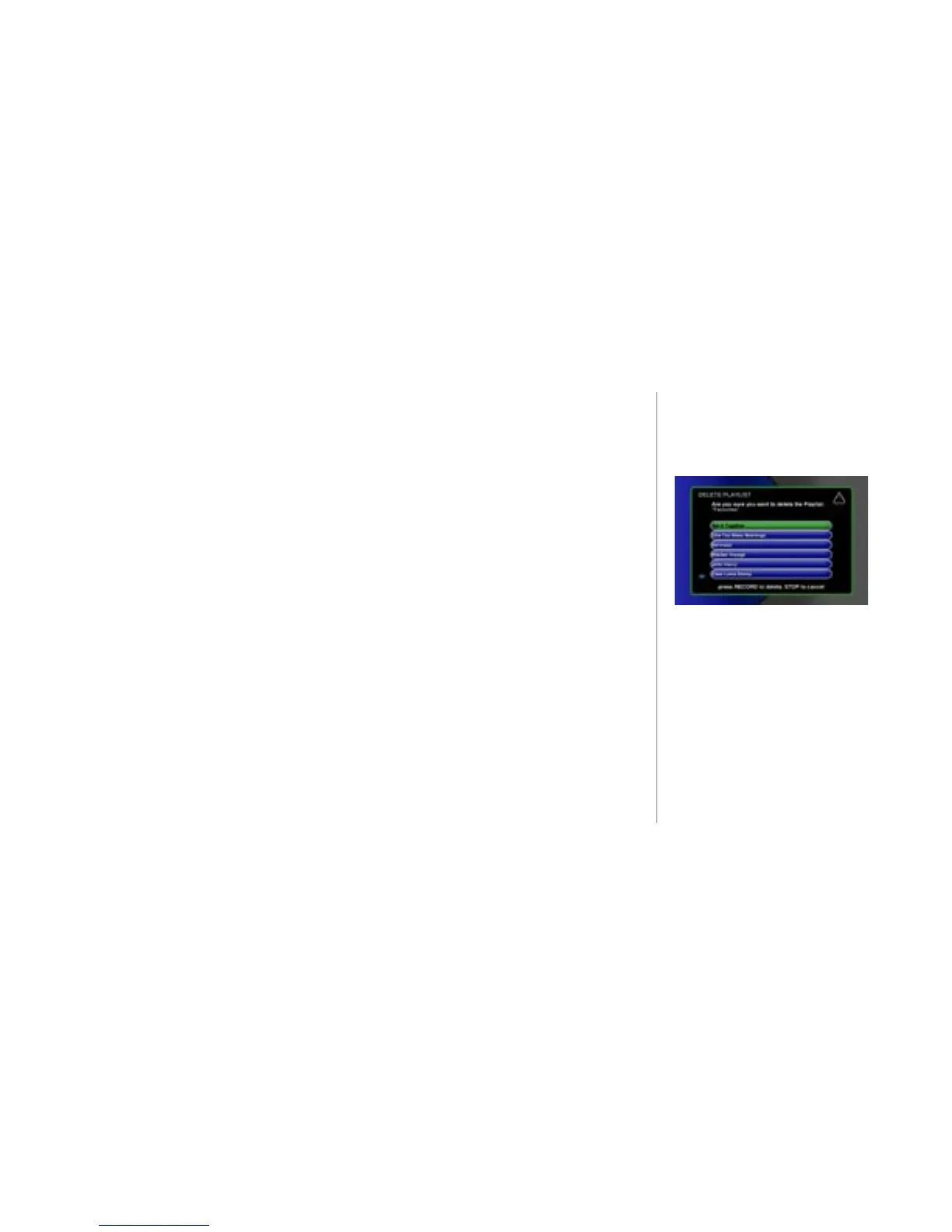
x At the OPTION panel, SELECT the delete playlist button to remove the
currently active playlist. The DELETE PLAYLIST screen displays and shows
the contents of the playlist.
y Press the RECORD key to delete the playlist and return to the previous Guide
or Player view. A dialog message displays asking for conrmation before the
playlist is deleted.



 To Next Page