PAGE 91
FIREBALL INSTALLATION & USER’S GUIDE - M22001-01A1
CHAPTER 5 - RECORDING MUSIC
Navigating the MUSIC-RECORD Screen
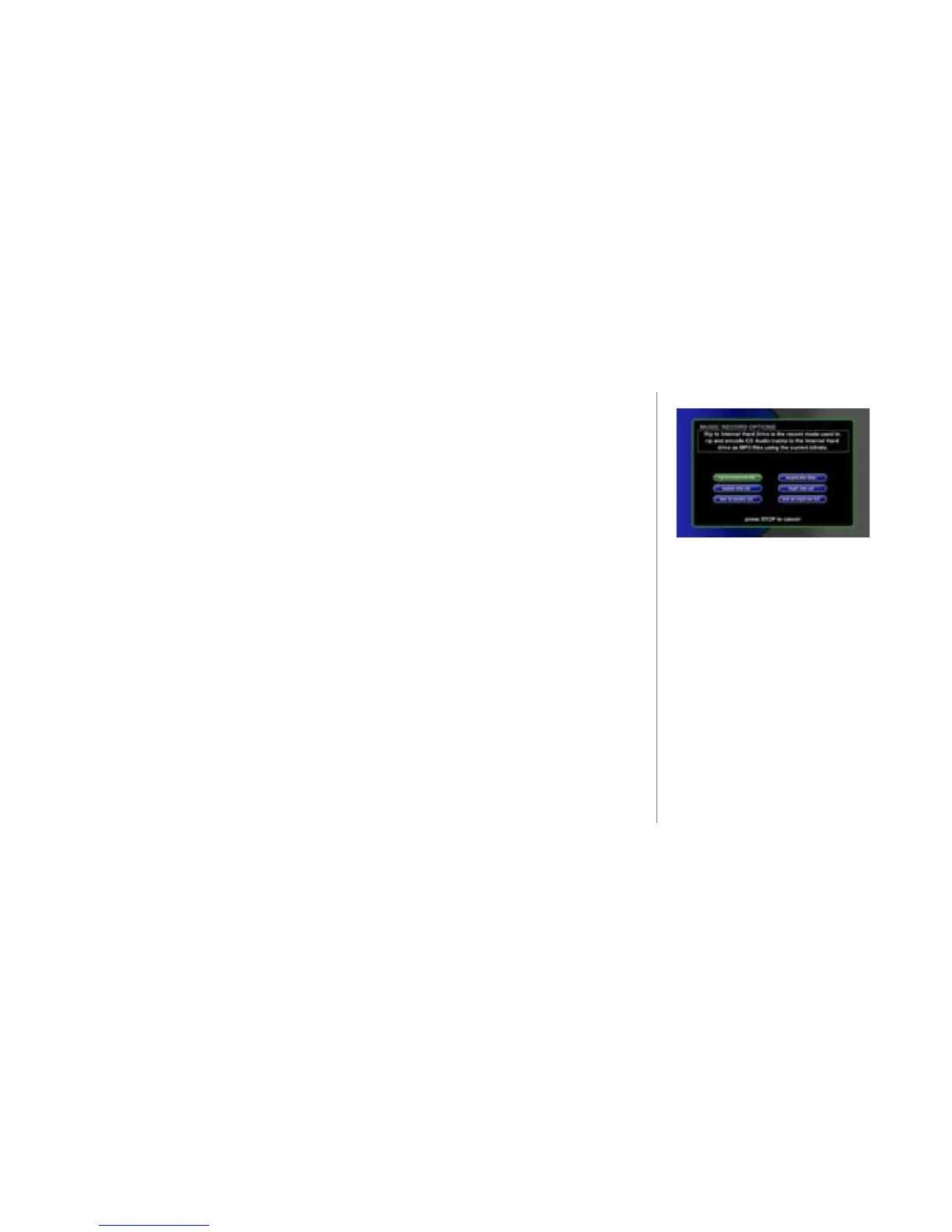
When you select one of the “record” options on the MUSIC RECORD OPTIONS
screen, the MUSIC-RECORD Select Guide appears.
The navigation of this screen is the same as the Music Guide with the following
exceptions:
• SKIP BACKWARD - Not used.
• STOP – cancels the recording process.
• RECORD – continues the record process.
• GUIDE, OPTION, & OPENGLOBE have no function.



 To Next Page