PAGE 42
FIREBALL INSTALLATION & USER’S GUIDE - M22001-01A1
CHAPTER 2 - SETTING UP FIREBALL
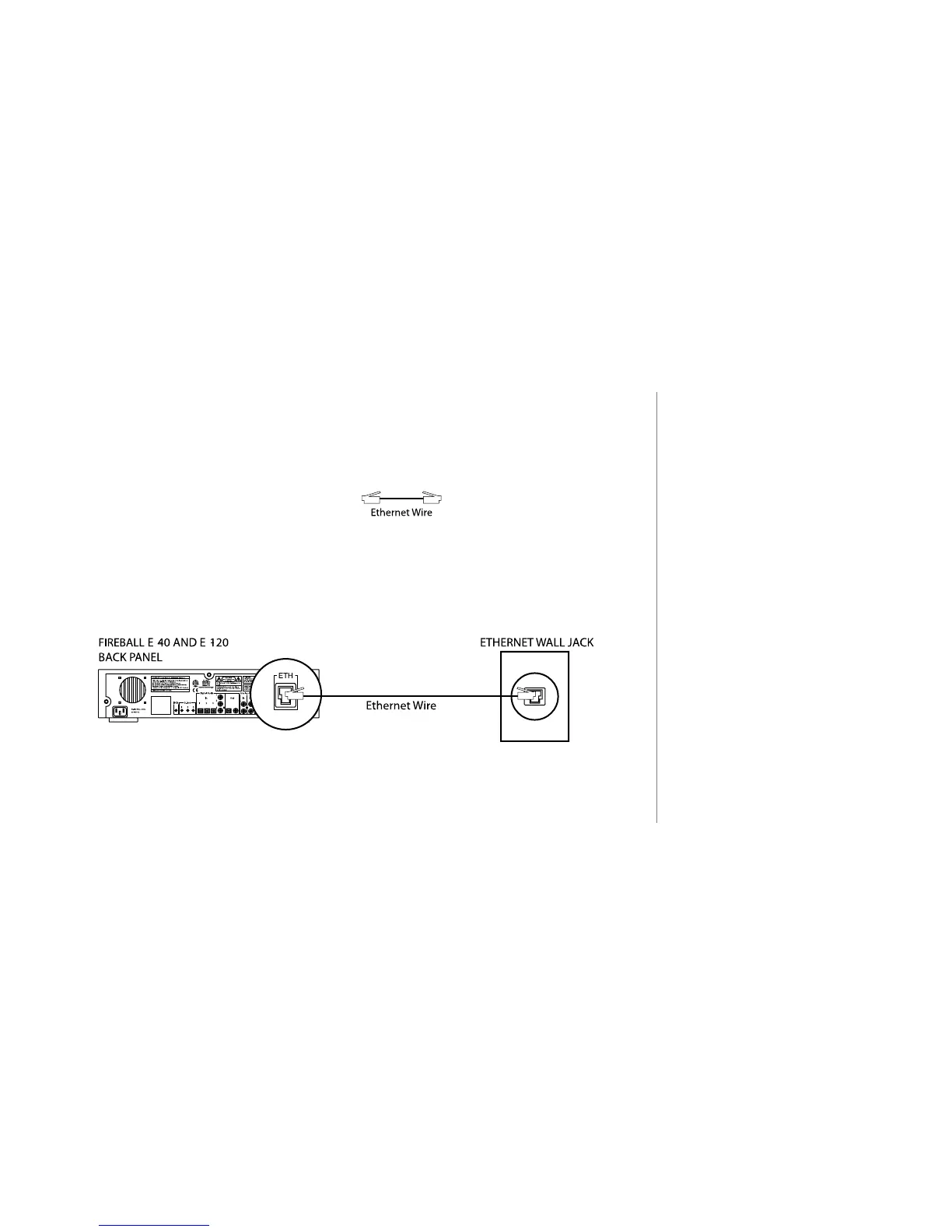
Connecting to Broadband Networks (FireBall E)
FireBall-E has an Ethernet jack that can be used to connect to the internet through
a broadband internet connection such as a Cable Modem or DSL line, or through a
standard Ethernet LAN.
u Use the Ethernet Cable.
(Can be identied by see-through connectors. This
is the larger of the two cables with see-through
connectors, also known as an RJ-45 cable)
v Connect one end of the ethernet cable to the FireBall Ethernet jack.
w Connect the other end of the ethernet cable to an Ethernet network.
2
The preferred method of
connecting to the Internet is
Broadband (either Cable Modem
or DSL).



 To Next Page