PAGE 105
FIREBALL INSTALLATION & USER’S GUIDE - M22001-01A1
CHAPTER 6 - MANAGING MUSIC
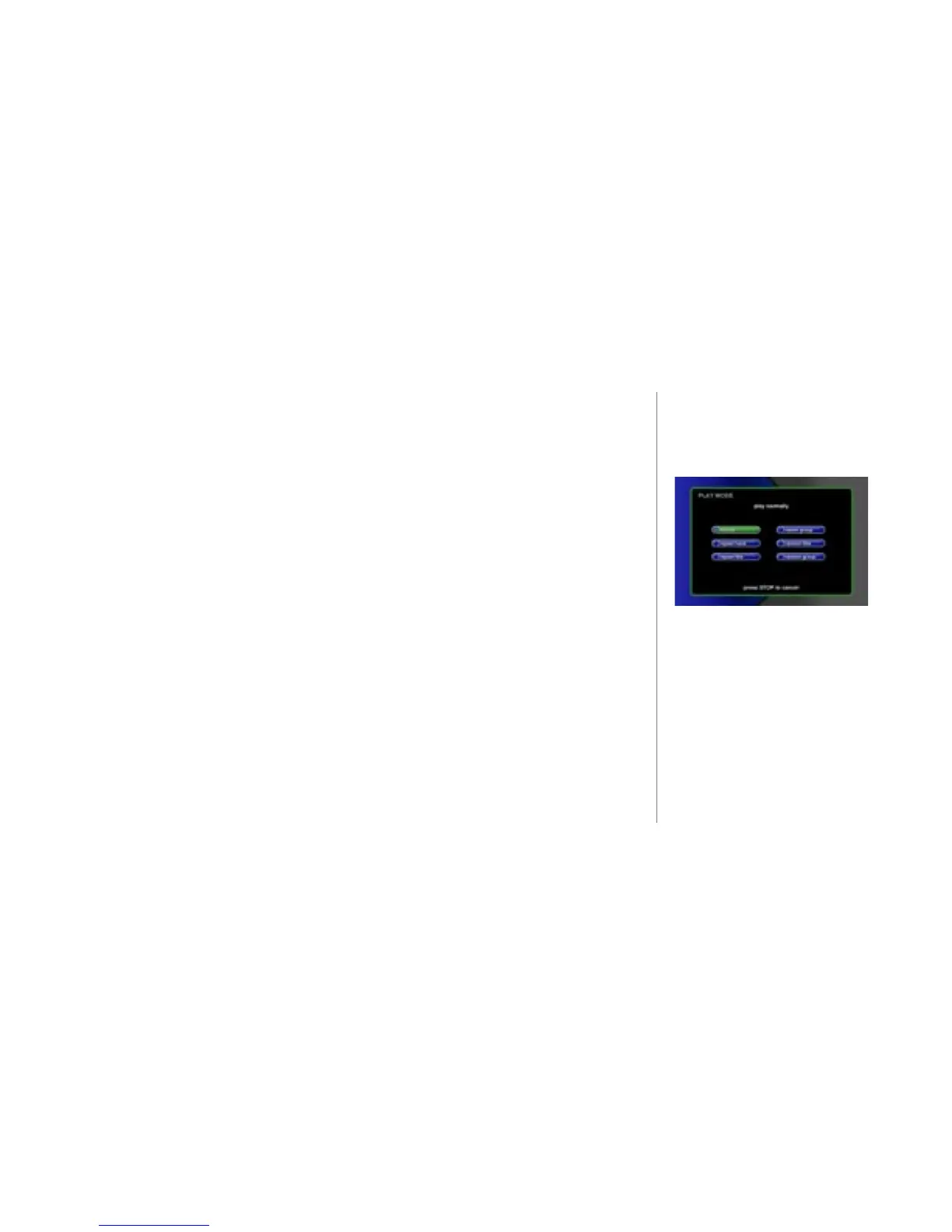
To Change How Music is Played
u Press the MUSIC key and then press the OPTION key.
v At the OPTION panel, SELECT the play mode option button.
w Select the option of your choice from the available settings:
• normal - Start with a selected track and play the entire Title or Playlist to
the end.
• repeat track - Keep playing the current track over and over again.
• repeat title - Keep playing the current music Title (CD, MP3, or Playlist)
from start to nish and then start over.
• repeat group - Keep playing all the music Titles in the current group of
music from start to nish and then start over.
• random title - Randomly select and play songs from the current Title (CD,
MP3, or Playlist)
• random group - Randomly select and play songs from the current group of
music.
x Press the SELECT key to set the selected play mode and return to the previous
screen.
Note: The MODE key on the remote will cycle through each of these modes.



 To Next Page