PAGE 85
FIREBALL INSTALLATION & USER’S GUIDE - M22001-01A1
CHAPTER 4 - PLAYING MUSIC
One Key Access to Favorite Music
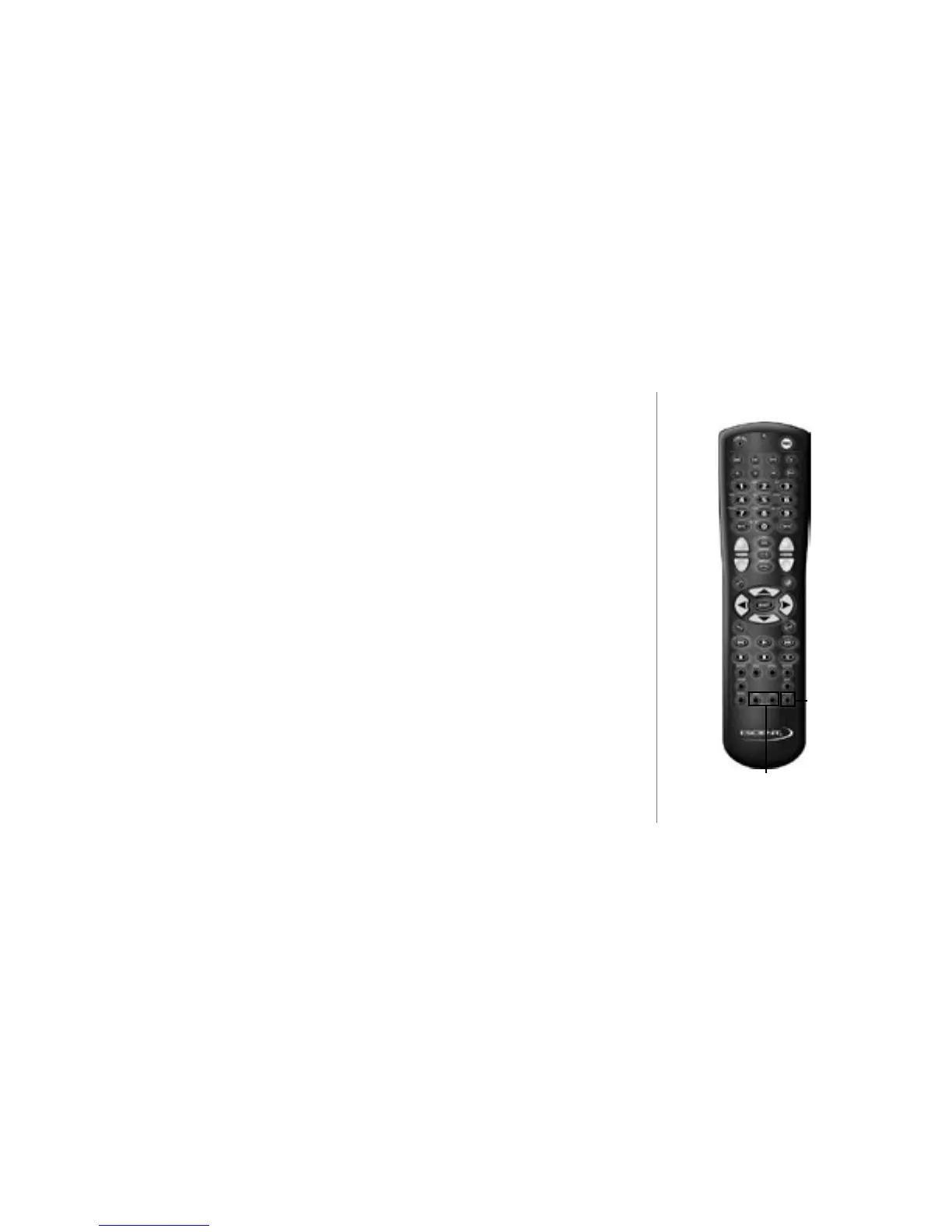
The PLAY FAVORITES key on the remote or keyboard allows you to immediately start
playing the music in your “Favorites” playlist. No other key presses are required once
you have added music to the list.
To add music to your “Favorites” playlist from the Music Player screen, simply press
the ADD FAVORITES key on the keyboard or remote to quickly add the CURRENT
highlighted track to the playlist. “Song will be added to Favorites” will appear across the
bottom of the Player screen for 3 seconds.
To add music to your “Favorites” playlist from the Music Guide, simply highlight any
Track name and press the ADD FAVORITES key on the keyboard or remote. “Song will
be added to Favorites” and will appear in the Information area of the Guide screen.
One Key Access to Random Music
When you press the RANDOM key on the remote or keyboard, FireBall automatically
starts playing the current group in Random Group mode.
Random
Add to Favorites
Play Favorites



 To Next Page