PAGE 135
FIREBALL INSTALLATION & USER’S GUIDE - M22001-01A1
CHAPTER 8 - CUSTOMIZING FIREBALL
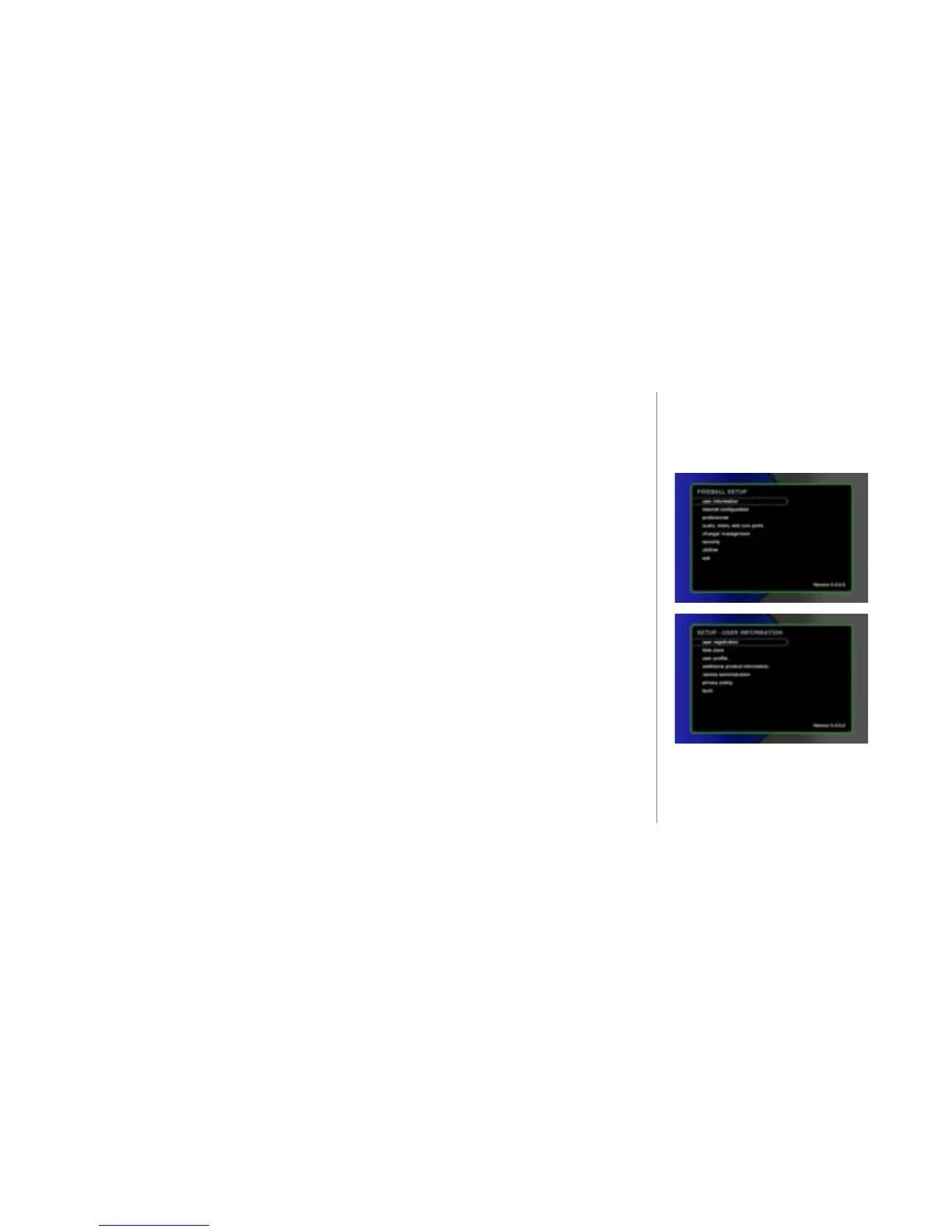
To Change User Information
u Press the SETUP key on the remote control or keyboard. The SETUP main
menu displays.
v Select the menu item user information. The menu displays.
w Select the sub-menu item you want to modify and follow the instructions on the
screen.
user registration - Allows you to input your name, address, phone number to
identify you as the user.
time zone - Enter your ZIP code here. Setting your ZIP code allows the
automatic update time to be properly congured for non-peak times.
user prole - If you want to receive information or services from OpenGlobe
that caters to your particular age group or gender, you can ll in this menu.
additional product information - This item allows you to select whether or not
you want to be informed regarding additional valuable services or support.



 To Next Page