PAGE 115
FIREBALL INSTALLATION & USER’S GUIDE - M22001-01A1
CHAPTER 6 - MANAGING MUSIC
To Erase CD-RW
u Place the CD-RW you want to erase into FireBall’s front panel CD drive.
v Press the OPTION key. Use the ARROW keys to highlight the more... button
and press the SELECT key.
w At the MORE MUSIC OPTIONS panel, SELECT the erase cd-rw button to
erase the CD in the FireBall front panel CD drive.
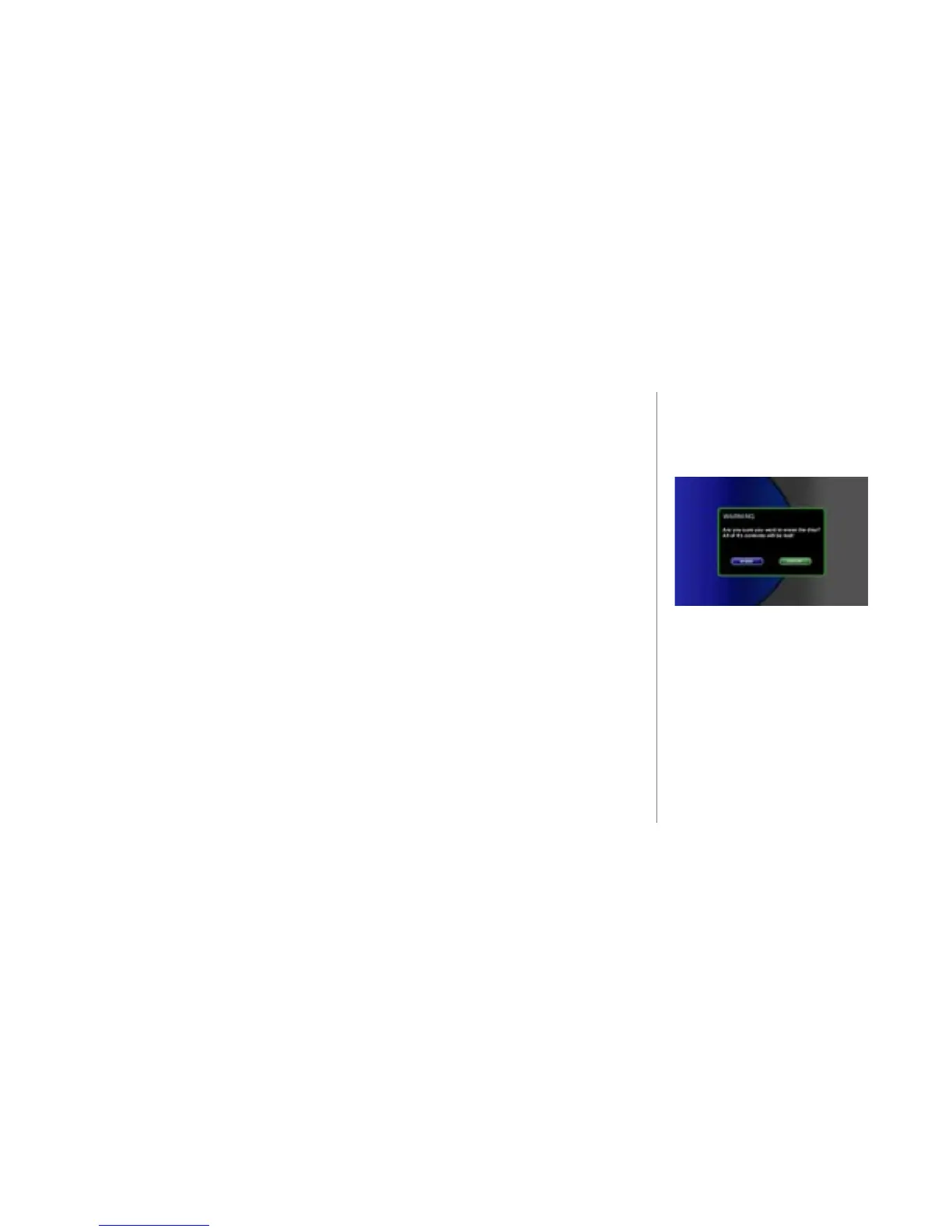
x Press the RECORD key to erase the CD-RW. A conrmation message will be
displayed before the disc is erased. Select the erase button to erase the selected
disc.
Note: An error message will be displayed if there is no disc in the drive or if there is a
blank disc in the drive.



 To Next Page