PAGE 145
FIREBALL INSTALLATION & USER’S GUIDE - M22001-01A1
CHAPTER 8 - CUSTOMIZING FIREBALL
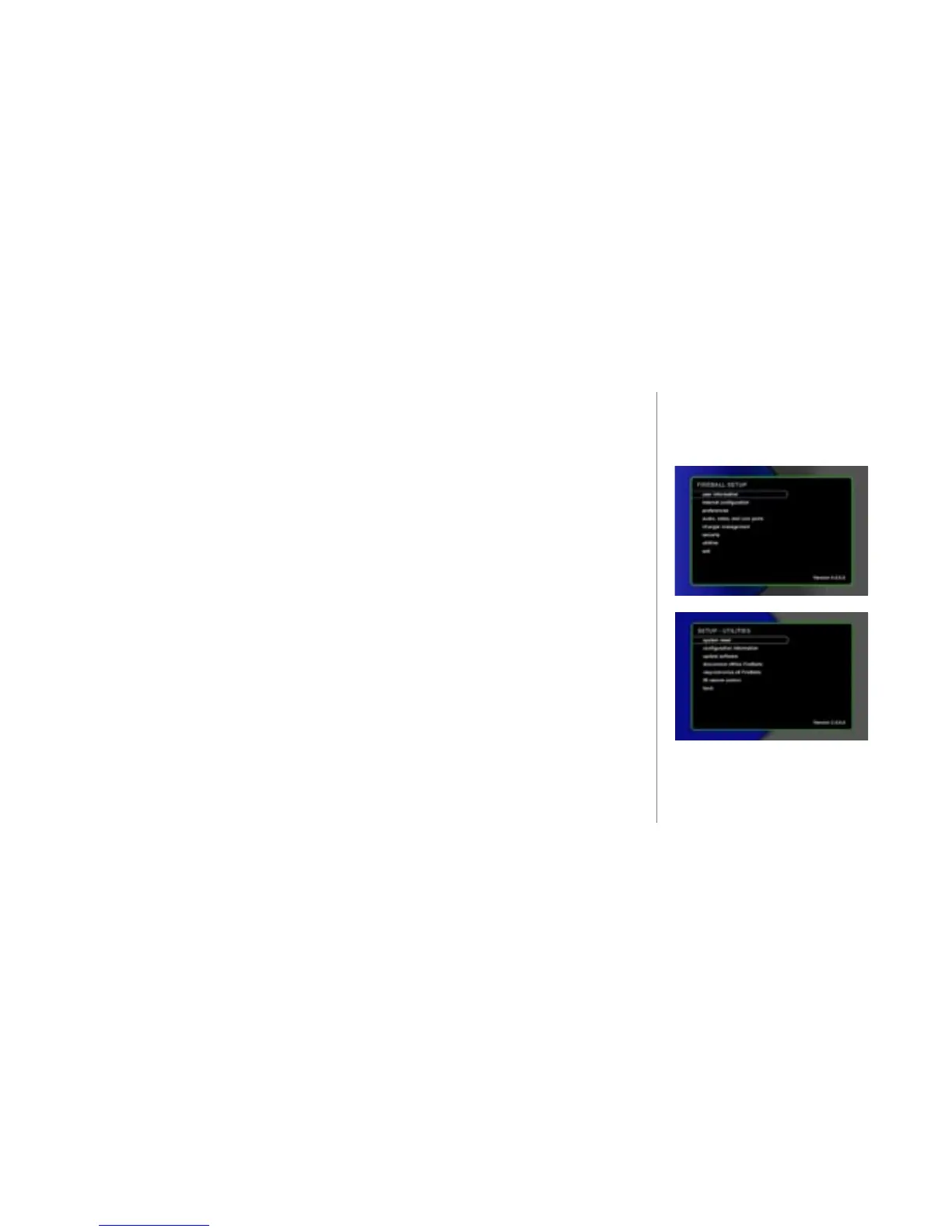
To Access FireBall Utilities
u Press the SETUP key on the remote control or keyboard. The SETUP main
menu displays.
v Select the menu item utilities. The menu displays. (No other use of the system
is permitted while one of the utility processes is running.)
w Select the menu item you want to access and follow the instructions on the
screen.
system reset - performs a soft reset of the FireBall. (This is the same as
holding the front panel power button in for 4 seconds to reboot)
conguration information - Displays the current FireBall internal settings
including software versions, hardware versions, serial number, customer ID,
and network settings.
update software - This feature initiates a manual connection to Escient's
OpenGlobe server to check for any software updates that are currently
available. A conrmation dialog will ask if you really want to continue and look
for an update because it may take some time. If an update is found the system
will begin the software update process. A progress status bar appears so that you
can estimate download time.



 To Next Page